Is Your Desk Setup Hurting Your Posture? A 12-Point Self-Assessment Checklist
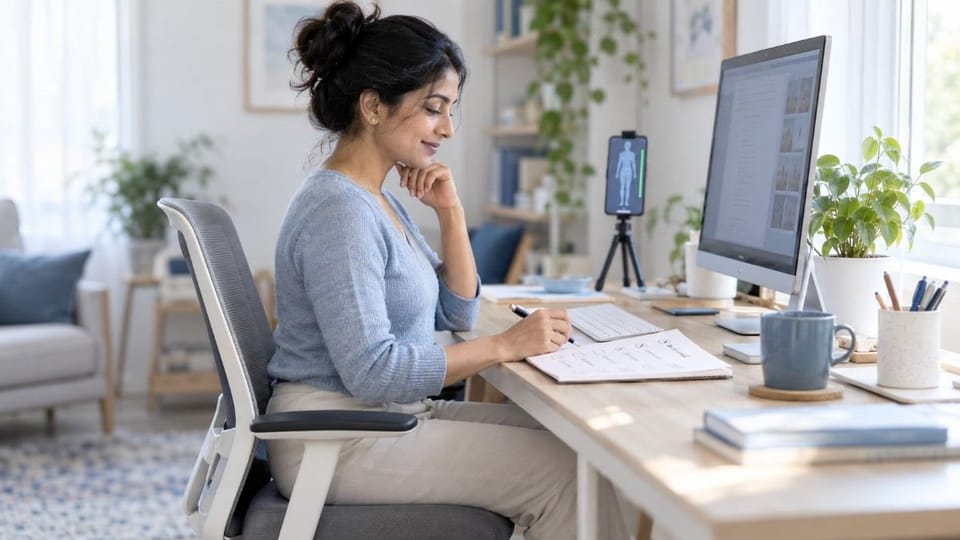
You can check your own desk setup in about five minutes, with no equipment. Score your chair, screen, keyboard, mouse, and habits against 12 simple points, and the low scores show exactly where your workstation is adding strain to your neck, shoulders, and back.
A desk setup self-assessment is a short checklist that compares your chair, screen, keyboard, and habits against ergonomic guidelines to show where your workstation adds strain.
TL;DR
- Most desk pain comes from a few small setup faults, not one big one. ✅
- This checklist has 12 points across five zones: chair, screen, keyboard and mouse, laptop, and habits.
- Score one point for each yes. Ten or more means a solid setup.
- A symptom map links where it hurts to the setup fault most likely behind it.
- Fixing the lowest-scoring zone first gives the fastest relief.
- A perfect score still needs regular movement breaks.
What Is a Desk Setup Self-Assessment?
It's the audit step for the complete ergonomic desk setup guide. That guide explains how to build a good setup. This checklist tells you whether you actually have one.
Most people never check. They adjust their chair once, then live with whatever their body adapts to.
How Do You Score Your Desk Setup?
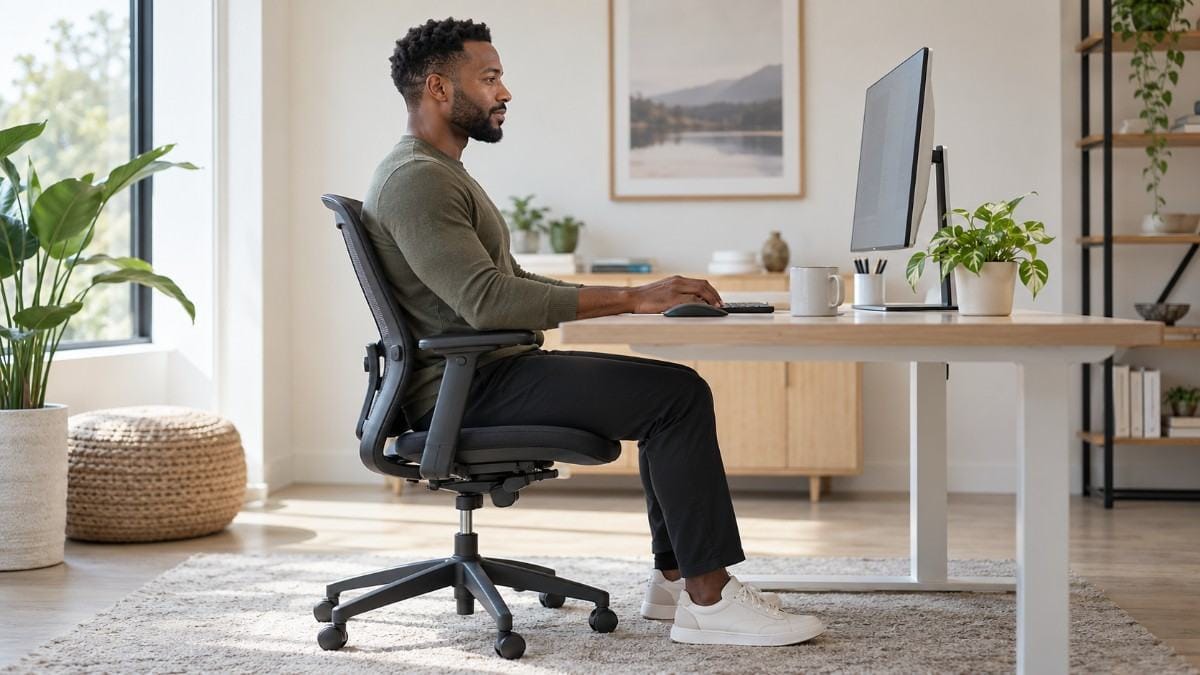
Sit at your desk the way you normally work. Then give yourself one point for each yes.
Chair and legs
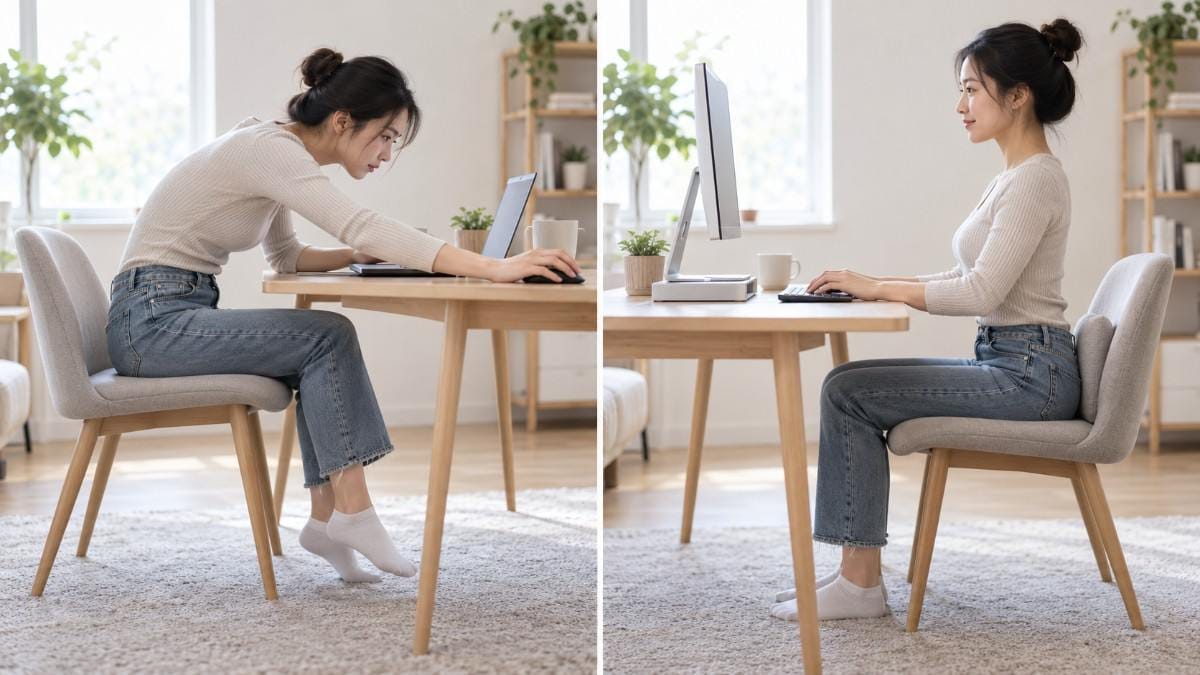
- Hips sit all the way back. Your back touches the backrest.
- Feet rest flat on the floor or a footrest, with knees level with or slightly below your hips.
- Your upper and lower back are supported, with the backrest slightly reclined, around 100 to 110 degrees.
Screen
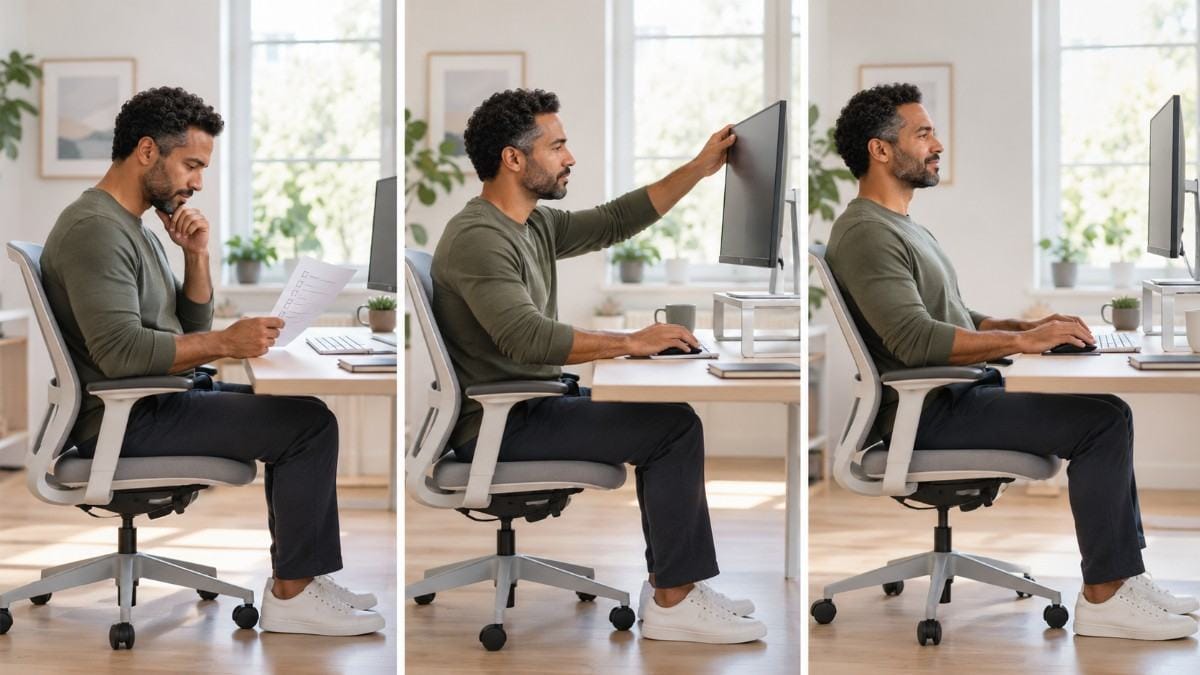
- The top of the screen sits at or just below eye level. Correct monitor height and distance explains why.
- The screen is about an arm's length away.
- The screen sits directly in front of you, not off to one side.
Keyboard and mouse
- Your elbows sit near 90 to 100 degrees, close to your sides, with relaxed shoulders.
- Your wrists stay straight, not bent up, down, or sideways.
- The mouse sits right beside the keyboard. Keyboard and mouse position covers the reach problem in detail.
Laptop
- Your screen and keyboard are separate. Use a raised screen and an external keyboard, as in laptop ergonomics. Don't use a laptop? Give yourself the point.
Habits
- You change position or take a short break every 30 to 45 minutes.
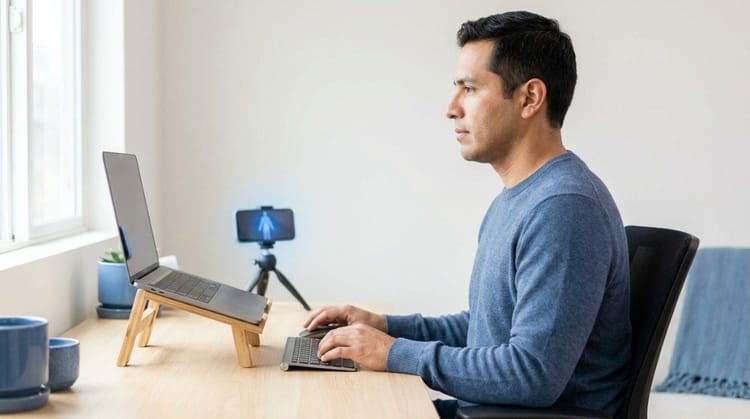
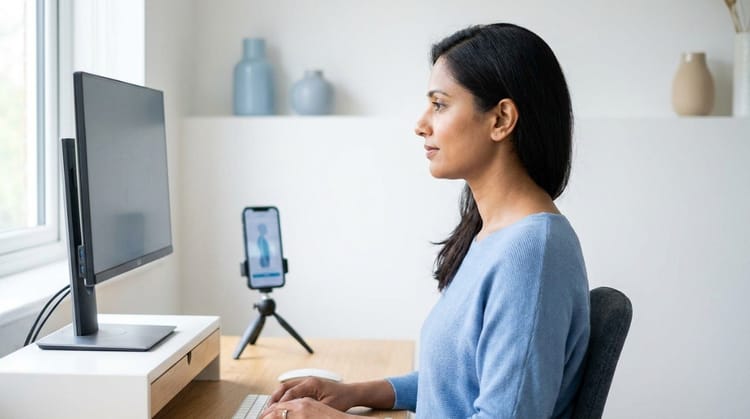
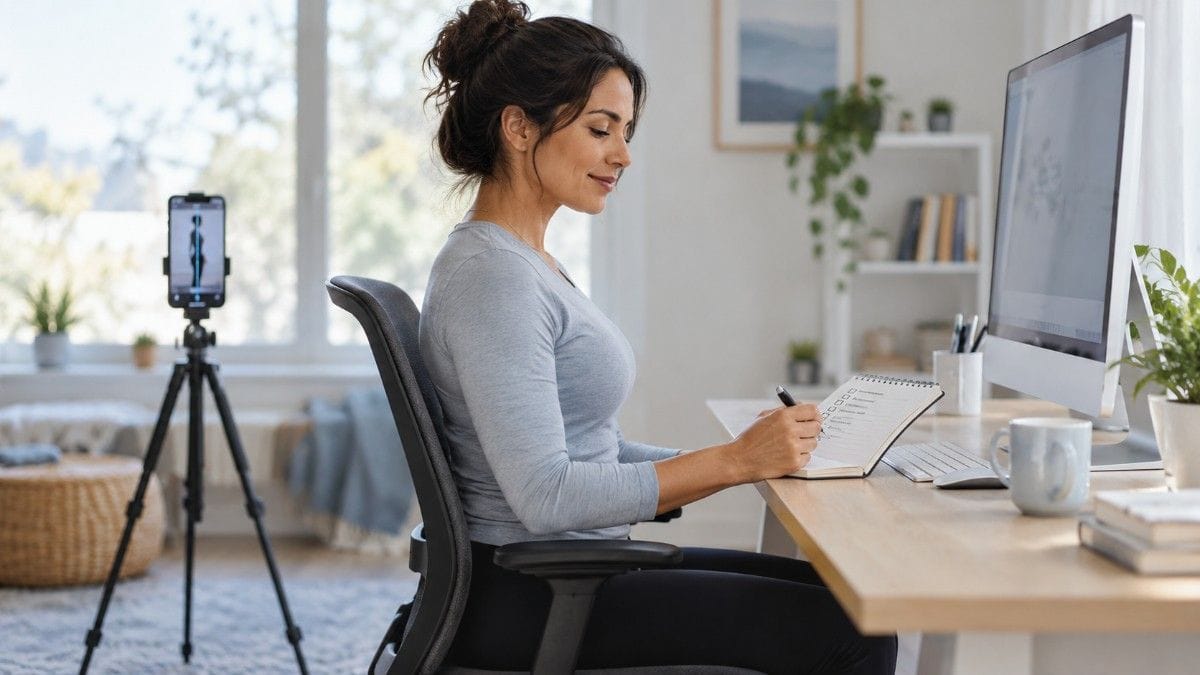
- In a side photo, your ear sits over your shoulder, not in front of it.
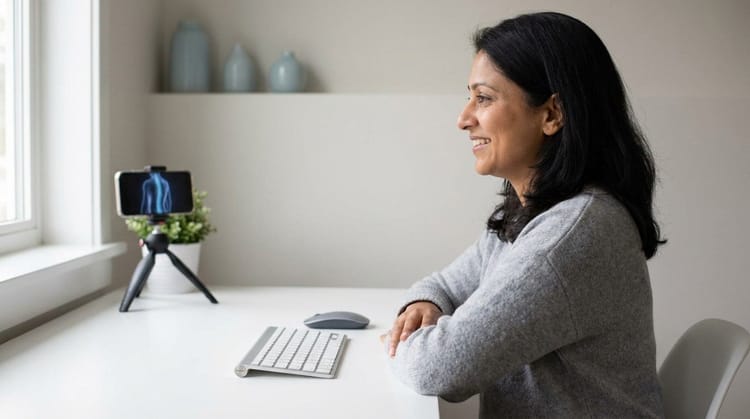
Point 12 is the hardest to judge by eye. A quick side-profile scan in Backed AI shows where your head and shoulders actually sit, so you're not guessing.
| Your Score | What It Means |
|---|---|
| 11 to 12 | Strong setup. Focus on movement habits. |
| 8 to 10 | Good, with a few fixes worth making. |
| 5 to 7 | Your setup is adding noticeable strain. |
| 0 to 4 | Start with the lowest-scoring zone today. |
Why Does a Desk Setup Cause Pain Even When It Feels Fine?
You adapt. Your body quietly compensates for a bad setup, so the strain doesn't register until late afternoon or the end of the week.
There's a psychology trap too. People sit well when they know they're being checked, and slump when they're absorbed in work. Run this checklist at the end of a long work block, not first thing, so you see your real posture.
💡 Key Insight: Your desk never feels wrong, because you've adapted to it. A score tells you what your comfort level can't.
Where Does It Hurt? Match Your Symptoms to Your Setup
| Where It Hurts | Likely Setup Fault | Check Points |
|---|---|---|
| Neck ache or afternoon headache | Screen too low, too high, or off to one side | 4, 5, 6 |
| Tension between the shoulder blades | Mouse too far away, no arm support | 7, 9 |
| Tight, shrugged shoulders | Keyboard too high | 7 |
| Lower back ache after sitting | Hips not back, weak back support | 1, 3 |
| Wrist or forearm strain | Bent wrists | 8 |
| Tingling in legs or feet | Dangling feet, seat too high | 2 |
For sitting posture specifically, the best sitting position for lower back pain goes deeper on points 1 to 3.
⚠️ When NOT to rely on this checklist: If you have numbness, tingling that spreads into your arms, or pain that wakes you at night, see a doctor or physiotherapist. A checklist can't diagnose.
What Happens If You Ignore a Low Score?
A low score isn't a verdict. It's a map of where your desk is working against you. Left alone, small faults compound over months:
- Forward head posture from a low or distant screen.
- Rounded shoulders from reaching for the mouse.
- Lower back stiffness from sitting without support.
- Wrist and forearm strain from bent wrists.
When This Approach Doesn't Work
A desk setup self-assessment catches equipment and habit problems. It can't catch everything:
- If pain continues despite a high score, the cause may not be your desk. Get it assessed.
- If you hot-desk and can't adjust equipment, focus on points 1, 2, 7, 11, and 12. They need no furniture.
- If you score well but still slump when absorbed, the issue is habit and weak postural muscles.
- If you sit for hours without breaks, even a perfect setup will stiffen your body. How long you can sit before it damages your back explains why.
Best Quick Fixes for a Low Score (Quick List)
- Slide your hips back in the chair, and add a small cushion or rolled towel for lower back support.
- Raise your screen with a stand or a stack of books.
- Move the mouse next to the keyboard. It's free and instant.
- Add a footrest if your feet dangle.
- Set a 30 to 45 minute timer for a short movement break.
- Take a side photo and check where your ear sits.
Research & Expert Insight
University ergonomics guidance consistently recommends the same basics: hips back, feet flat, back supported, screen near eye level, elbows near a right angle, and straight wrists. Physiotherapists often recommend fixing the lowest-scoring zone first, since one change often relieves several symptoms. Posture specialists suggest repeating a desk setup self-assessment after any change in equipment, because new habits form quickly around new gear. Research in workplace ergonomics shows that frequent short position changes reduce strain more than any single ideal position held for hours.
Step-by-Step Recovery Framework: Fix Your Desk in 10 Minutes
- Score yourself at the end of a long work block.
- Circle your lowest zone. Chair, screen, keyboard, laptop, or habits.
- Fix one zone today. Don't rebuild everything at once.
- Recheck in a week. Pain should ease within a few days of a real fix.
- Fix the next zone, and score again after any equipment or workspace change.
- Add movement. A short reset like wall angels for desk workers takes five minutes and needs no equipment.
A good score stops new strain from building. It doesn't undo a head or shoulder position that has already settled after years at a poor desk. That takes targeted, consistent movement.
Final Takeaway
A desk setup self-assessment turns vague discomfort into a specific to-do list. Score the 12 points, fix your lowest-scoring zone first, and recheck in a week. Pair a good setup with regular movement, and you protect your posture whether you work at home or in the office.
A perfect desk score stops new strain from building. It doesn't reverse the forward head posture or rounded shoulders you've already developed. That's the gap between auditing your desk and actually correcting your posture.
Why Most Exercise Plans Fail
- Inconsistency. Without tracking, most people quietly stop after a week or two.
- Wrong form. Posture exercises done poorly can reinforce the pattern they're meant to fix.
- No progression. The same routine forever stops challenging the muscles that need to adapt.
- No personalization. A generic plan treats every body the same way.
Backed AI scans your posture through your phone camera, flags patterns like forward head posture and rounded shoulders, and builds a routine around what it finds instead of a generic list. It's a smarter alternative to random YouTube exercises, in three ways:
- Personalized to your actual scan, not a one-size-fits-all routine.
- Progress tracking that adapts as your posture genuinely improves, not just your desk.
- Built-in consistency, with reminders that outlast the motivation of a new desk setup.
If your desk now scores well and your posture still slips, that's the exact gap Backed AI is built to close. Download Backed AI and start correcting your posture today.
FAQ
How do I know if my desk setup is ergonomic? Score it against a checklist: hips back, feet flat, back supported, screen top near eye level, elbows near 90 to 100 degrees, straight wrists, and the mouse beside the keyboard. Ten or more points out of 12 suggests a solid setup.
What should an ergonomic desk setup checklist include? It should cover your chair and legs, screen height and distance, keyboard and mouse position, laptop use, and movement habits. Checking your head position in a side photo adds a useful final test.
How often should I check my desk setup? Check it whenever you change equipment or workspace, and every few months otherwise. Run the check at the end of a long work block, so you see your real posture.
Can a bad desk setup cause neck and back pain? Yes. A low screen can strain the neck, a far-away mouse can tense the shoulders, and poor back support can stiffen the lower back, especially over months of daily use.
What is the correct sitting position at a desk? Sit with your hips back in the chair, feet flat, knees level with or slightly below your hips, and your back supported. Keep elbows near 90 to 100 degrees and the top of your screen near eye level.