
The Complete Ergonomic Desk Setup Guide: Monitor, Chair, Keyboard, and Beyond 💙
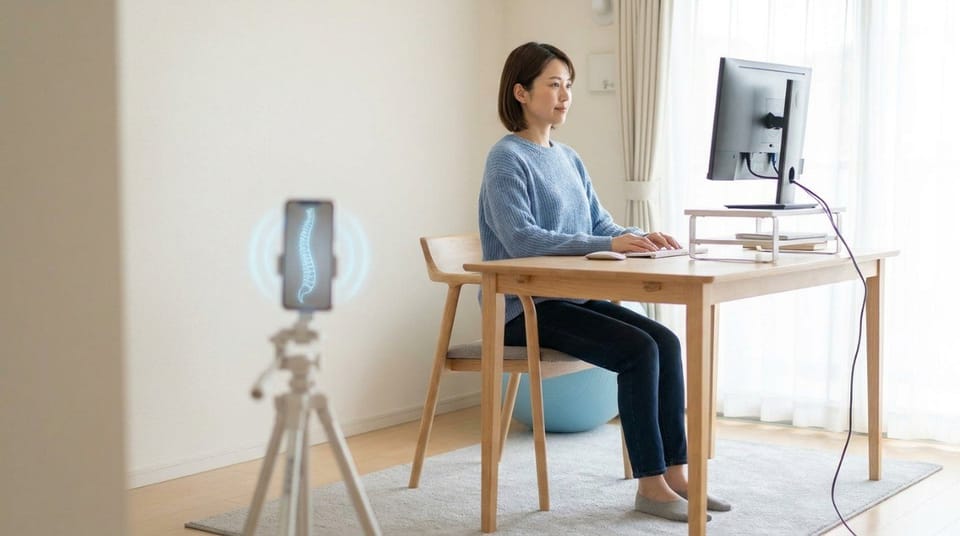
An ergonomic desk setup positions your monitor, chair, keyboard, and desk height to keep your spine neutral and your joints relaxed while you work. Small adjustments, like raising your monitor to eye level or supporting your lower back's natural curve, can meaningfully reduce neck, shoulder, and lower back strain over the course of a workday.
TL;DR
- An ergonomic setup keeps your monitor, chair, keyboard, and desk height positioned so your spine stays neutral, not just "comfortable." 🖥️
- Your monitor's top edge should sit roughly at eye level, about an arm's length away.
- Your chair should support your lower back's natural curve, with feet flat on the floor or a footrest.
- Keyboard and mouse should keep your wrists straight and elbows near a 90-degree angle.
- Most people get 70 to 80 percent of the benefit from three free adjustments: monitor height, chair depth, and posture reminders.
- A perfect setup still won't fix posture on its own. It removes the obstacles, but you still need to move.
What Is an Ergonomic Desk Setup?
An ergonomic desk setup is an arrangement of your monitor, chair, keyboard, and desk height designed to keep your joints in a neutral, low-strain position throughout the workday. It's not about buying the most expensive chair. It's about the angles and distances between you and your equipment.
Chair selection is one piece of this, and we've covered it in depth in office chair vs standing desk vs kneeling chair. This guide brings that decision together with everything else on your desk.
Why Does Desk Setup Affect Your Posture So Much?
Any single misalignment feels small. A monitor two inches too low. A chair that doesn't quite support your lower back. Wrists bent slightly upward at the keyboard.
The problem is repetition. You hold that same small compensation for hours a day, five days a week, for years. A slightly low monitor gradually becomes forward head posture. A shallow chair gradually becomes slouched shoulders. None of it feels dramatic in the moment, which is exactly why it goes unnoticed for so long.
💡 Key Insight: Ergonomics isn't about comfort in the first five minutes. It's about what your body is still doing correctly after five hours. A chair can feel fine at 9am and still be quietly wrecking your posture by 2pm.
How Do You Set Up Each Part of an Ergonomic Workspace?
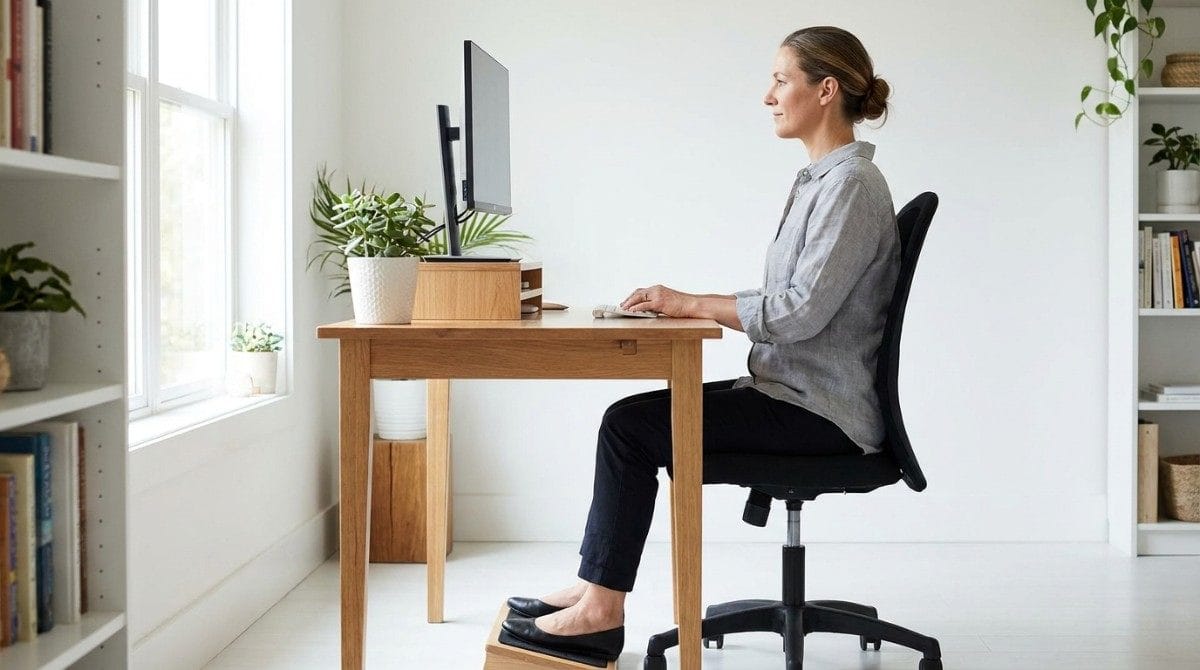
Monitor. The top of your screen should sit roughly at eye level, about an arm's length away. Too low, and your neck tips forward all day.
Chair. Your lower back needs real support, not just cushioning. Feet should rest flat on the floor, or on a footrest if your chair is too tall.
Keyboard and mouse. Keep both close enough that your elbows stay near 90 degrees, with wrists straight rather than angled up or down.
Desk height. Your forearms should be roughly parallel to the floor when typing, not reaching up or hunching down.
| Component | Correct Position | Common Mistake |
|---|---|---|
| Monitor | Top of screen at eye level, arm's length away | Too low, forcing the neck forward |
| Chair | Lower back supported, feet flat | Sitting too far forward, no lumbar support |
| Keyboard/mouse | Elbows near 90 degrees, wrists straight | Wrists angled up, reaching too far forward |
| Desk height | Forearms roughly parallel to the floor | Desk too high or too low for the chair |
What Happens If Your Desk Setup Stays Wrong for Years?
Small daily misalignments compound into real, specific problems over time:
- Forward head posture, from a monitor that's consistently too low.
- Pain between the shoulder blades, often from reaching forward for a keyboard set too far away. desk setup to stop pain between the shoulder blades covers this exact pattern in more detail.
- Lower back pain, especially with a chair that doesn't support your natural spinal curve.
- Wrist and shoulder strain, from a keyboard and mouse positioned too far away or at the wrong height.
⚠️ When NOT to rely on setup alone: If you're already experiencing sharp or radiating pain, an ergonomic fix won't undo existing damage on its own. It prevents things from getting worse, but recovery usually needs targeted movement too.
When This Approach Doesn't Work
A great desk setup solves some problems, not all of them:
- If you're working from a shared or hot-desk environment with no adjustable equipment, focus on the free adjustments instead, like posture reminders and regular movement breaks.
- If pain persists despite a genuinely correct setup, the cause may not be ergonomic at all. It's worth ruling out other contributors, like sitting too long making sciatica worse if pain radiates into your hip or leg.
- Budget constraints are real. A supportive cushion and a stack of books under your monitor solve most of what an expensive chair solves.
- If your pain is severe or getting worse regardless of setup changes, that's a signal to see a professional rather than keep adjusting furniture.
Best Ergonomic Setup Adjustments (Quick List)
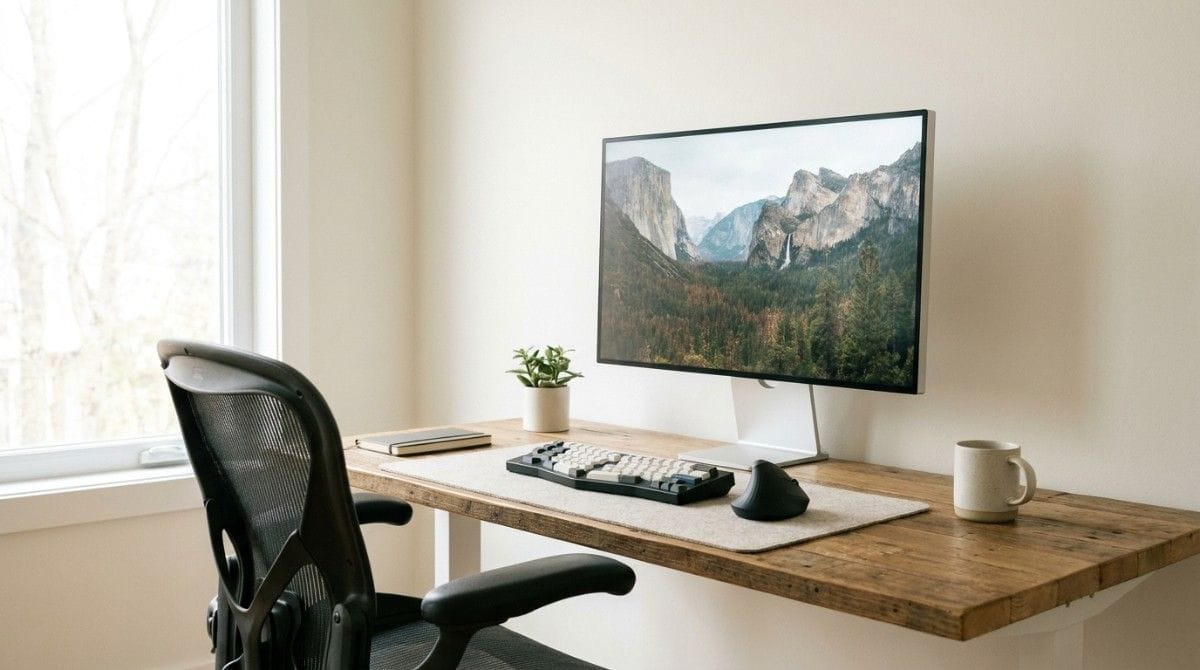
- Raise your monitor to eye level. A stack of books or a monitor riser works as well as an expensive stand. If your neck strain is more about your device than your desk, best tools to improve neck posture covers a few more low-cost options.
- Adjust your chair depth and lumbar support. Sit all the way back, with your lower back genuinely supported.
- Keep elbows near 90 degrees. Move your keyboard and mouse closer if you're reaching.
- Keep feet flat on the floor. Use a footrest if your chair puts your feet dangling.
- Take a movement break every 30 to 45 minutes. Even a great setup benefits from regularly changing position.

Research & Expert Insight
Physiotherapists often recommend adjusting monitor height and chair support before spending money on premium ergonomic equipment, since those two changes address the most common sources of strain. Posture specialists suggest pairing any desk adjustment with regular movement breaks, since even a perfect static setup held too long can still cause stiffness. Research in musculoskeletal rehab consistently shows that frequent position changes reduce strain more than any single "ideal" position held all day.
Step-by-Step Recovery Framework: How to Set Up Your Desk in Under 10 Minutes
- Set your chair height first. Feet flat, knees roughly level with your hips.
- Adjust monitor height and distance second. Top of the screen at eye level, arm's length away.
- Position your keyboard and mouse third. Close enough to keep elbows near 90 degrees.
- Check your desk height fourth. Forearms should sit roughly parallel to the floor.
- Do a final posture check. A quick side-profile photo shows whether your ear, shoulder, and hip roughly line up.
- Reassess every few months, especially after changing equipment or work habits.

A correct setup removes the obstacles working against your posture all day. It doesn't undo years of forward head posture or rounded shoulders by itself. That part still needs targeted movement, ideally guided by something that knows your specific pattern rather than a generic checklist.
Final Takeaway
An ergonomic desk setup comes down to four adjustable pieces: monitor height, chair support, keyboard and mouse position, and desk height. Get those roughly right, and you remove most of the daily strain your workspace was quietly adding. What it won't do is reverse existing posture patterns on its own. For that, setup needs to be paired with targeted, consistent movement, whether that's a brace, guided exercise, or an AI posture app built around your specific pattern.
A perfect desk setup stops new strain from building. It doesn't undo the rounded shoulders or forward head posture you've already developed from years of the old one. That's the gap between adjusting your environment and actually correcting your posture.
Backed AI scans your posture through your phone camera, identifies your specific pattern, whether that's rounded shoulders, forward head posture, or something else, and builds a routine around it instead of a generic checklist. Three things make that different from ergonomic advice alone:
- Personalized to your actual scan, not a one-size-fits-all setup guide.
- Progress tracking that adapts as your posture genuinely improves, not just your furniture.
- Built-in consistency, with reminders that keep good habits going long after the "new setup" motivation fades.
If you've already fixed your desk and your posture still hasn't caught up, that's the exact gap Backed AI is built to close. Download Backed AI and start correcting your posture today.
FAQ
What is the correct monitor height for ergonomics? The top of your monitor should sit roughly at eye level, about an arm's length away, so your neck stays neutral instead of tipping forward.
How should I sit at my desk to avoid back pain? Sit all the way back in your chair with your lower back supported, feet flat on the floor, and knees roughly level with your hips.
Do I need an expensive ergonomic chair? Not necessarily. Proper monitor height and consistent movement breaks solve much of the problem. A supportive cushion can help a basic chair perform much better.
Can a bad desk setup cause posture problems even if I exercise? Yes. Hours of daily misalignment can gradually reinforce patterns like rounded shoulders or forward head posture, even alongside a regular exercise routine.
How often should I take breaks from sitting? Aim for a short movement break every 30 to 45 minutes. Even a well-adjusted setup benefits from regularly changing position.