Gaming Posture Guide: How to Sit, Set Up, and Play Without Pain
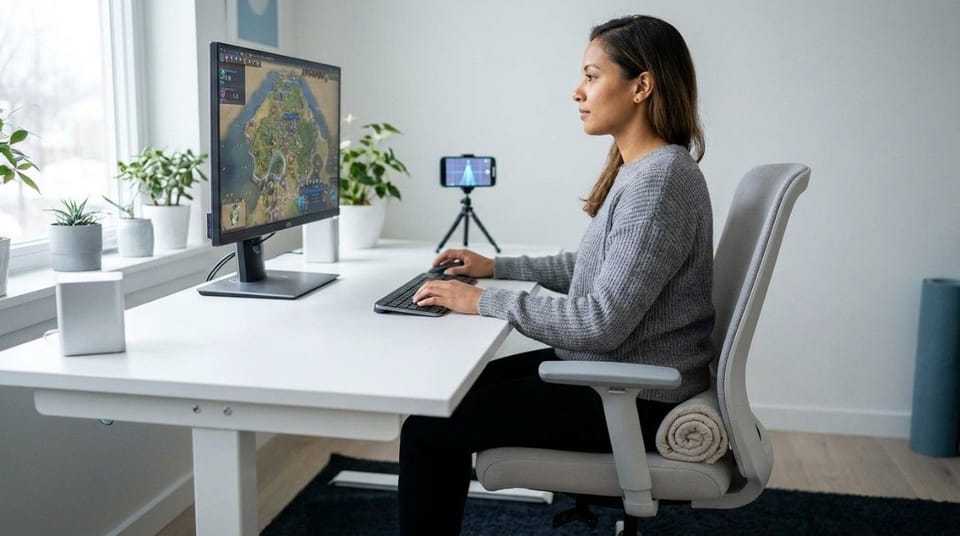
Quick Answer: Good gaming posture means hips back in the chair, feet flat, knees and elbows near 90 degrees, ears over shoulders, and the screen at eye level about 20 to 30 inches away. Cleveland Clinic sports medicine specialists add one more rule: leave your gaming station to move at least every 1 to 2 hours. Set up the chair and screen once, then let breaks do the rest.
Gaming posture is the way you hold your head, spine, shoulders, and wrists while you play, and it matters because gaming locks you into one position for hours.
Last updated November 2026. Covers PC, console, and handheld play.
TL;DR
- Pain from gaming usually comes from holding one position too long, not from gaming itself. 🎮
- Sit with hips back, feet flat, and lumbar support in the curve of your lower back.
- Put the screen at eye level, about 20 to 30 inches away.
- Keep elbows at 90 degrees or more and wrists straight.
- Move for at least 6 minutes every 1 to 2 hours, and use the 20-20-20 eye rule.
- Couch and handheld gaming need their own setup, not the desk one.
What Does Good Gaming Posture Look Like?
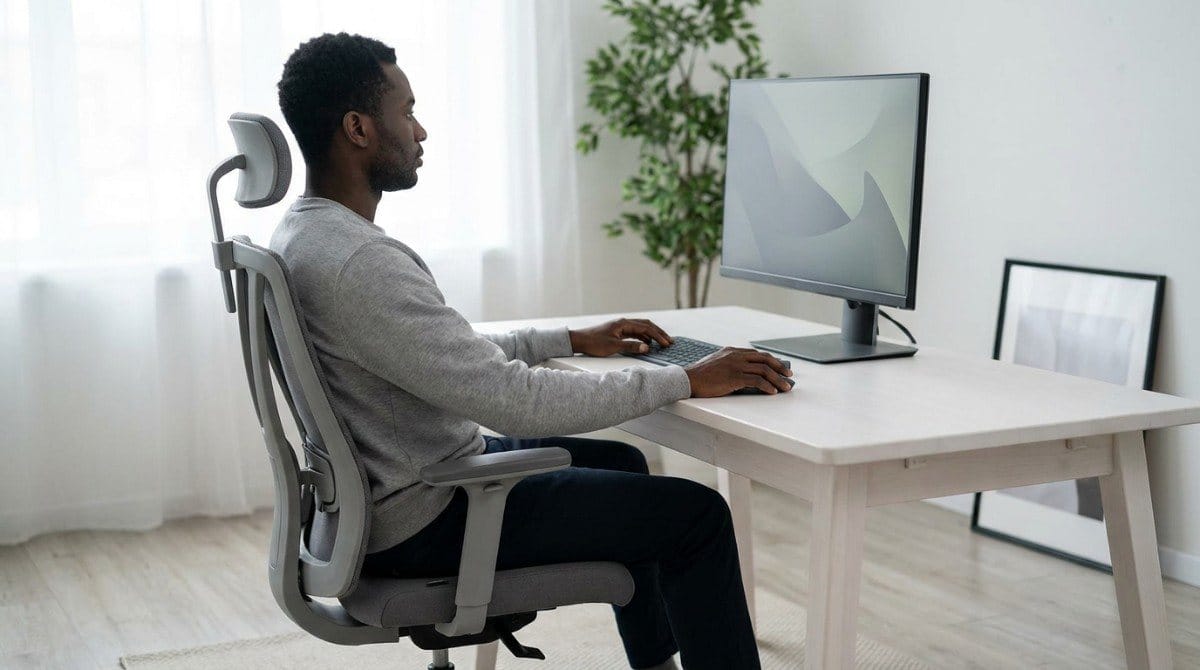
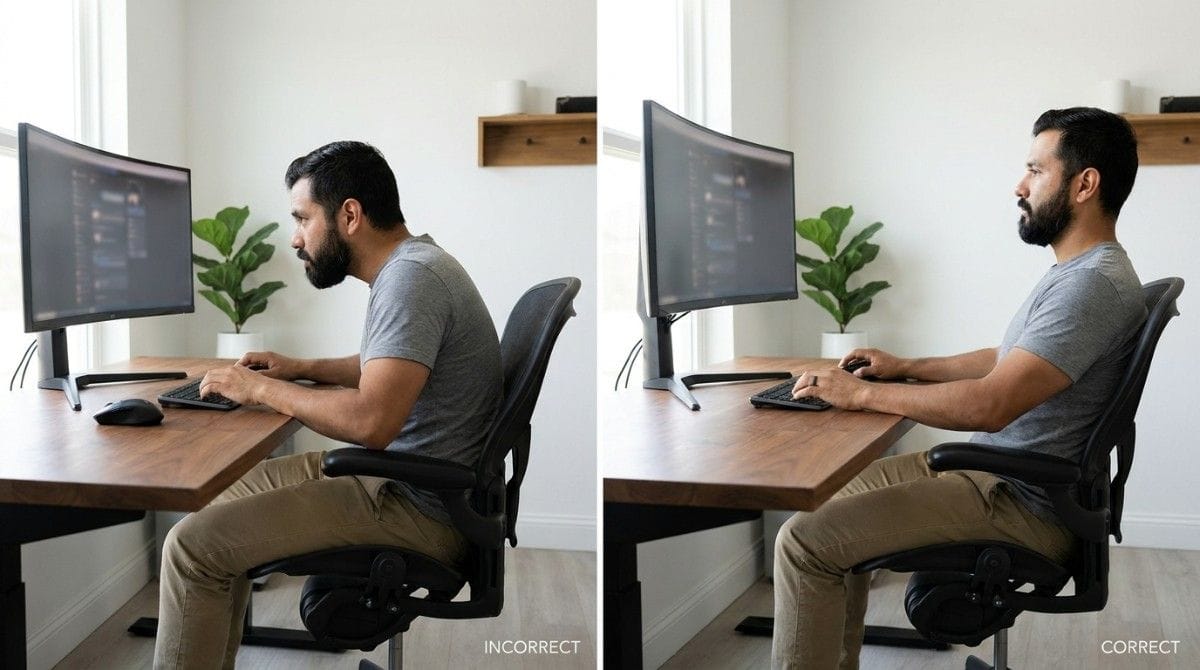
Good gaming posture is a neutral, supported position you can hold without effort. Use this table as a quick checklist.
| Body Zone | Target | Basis |
|---|---|---|
| Hips and knees | Hips back, thighs and lower legs near 90 degrees, feet flat | UPMC |
| Lower back | Lumbar support sitting in your lower-back curve | UPMC, Cleveland Clinic |
| Head and neck | Ears over shoulders, neck straight | UPMC, general guidance |
| Screen | Eye level or slightly below, 20 to 30 inches away | Cleveland Clinic |
| Elbows and wrists | Elbows 90 degrees or more, wrists straight | Cleveland Clinic, UPMC |
| Movement | Break at least every 1 to 2 hours | Cleveland Clinic |
Why Does Gaming Cause Neck and Back Pain?
Gaming causes neck and back pain when focused sessions hold your body still for hours. UPMC names poor posture, overuse, and lack of conditioning as the top causes of esports injuries.
The pattern is predictable. In tense moments your head drifts toward the screen. Your shoulders round to reach the controls. As muscles tire, your lower back slumps. It is the same head-forward pattern described in tech neck vs forward head posture.
💡 Key Insight: You will not feel your posture slip mid-match, because your attention is on the game. Build a setup that holds you in position, then schedule breaks so you do not have to remember.
How Do You Set Up a Gaming Chair and Desk?
Start with the chair, then the screen, then your hands. The full desk rules live in the complete ergonomic desk setup guide. Gamers need these five checks:
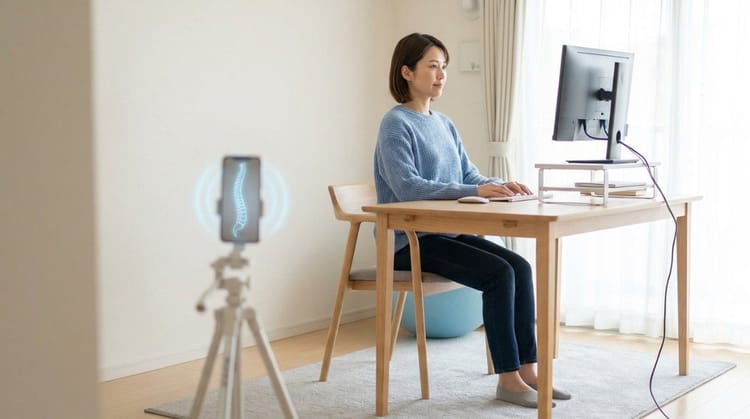
- Chair: Hips back, feet flat, lumbar support in your lower-back curve. UPMC advises against crossing or folding your legs onto the seat. Best sitting position for lower back pain covers seat detail.
- Headrest: If your chair has one, adjust it so it supports your head and keeps your neck straight.
- Screen: Eye level or slightly below, 20 to 30 inches away. For a large monitor or TV, UPMC advises the middle of the screen at eye level. Monitor height and distance explains the trade-offs.
- Keyboard and mouse: Elbows at 90 degrees or more, wrists straight, peripherals close to your body. Keyboard and mouse position shows how reach affects your shoulders.
- Headset: Pick one that does not cause head or ear discomfort, or skip it.
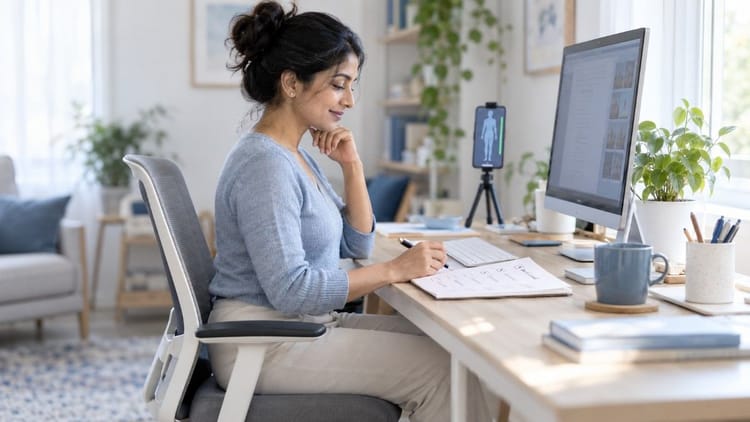
A quick side-profile scan in Backed AI shows whether your head has drifted forward during a session, so you adjust your setup using what the camera sees instead of guessing.
How Do You Fix Posture for Console, Couch, and Handheld Gaming?
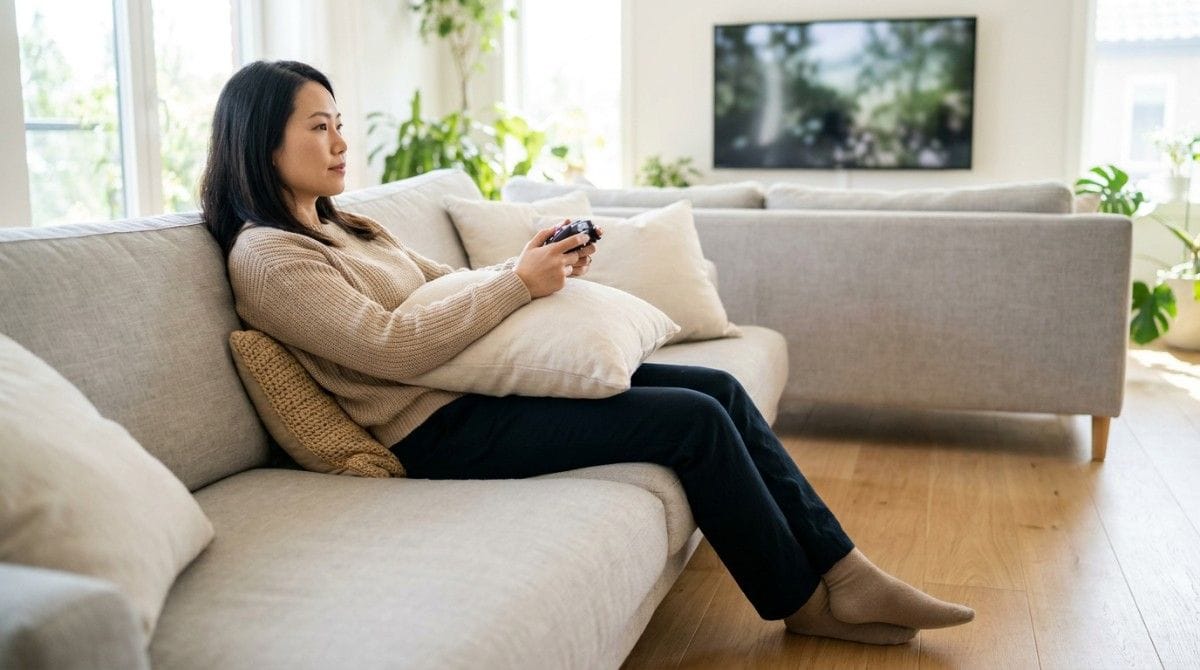
Console and handheld gaming need a different setup from a desk, because nothing holds you in place. Cleveland Clinic specialists advise assessing each platform separately, since each one loads your body differently.
| Platform | Common Problem | Simple Fix |
|---|---|---|
| PC at a desk | Head drifts toward the screen, long reach to the mouse | Screen at eye level, mouse close, elbows 90 degrees or more |
| Console on a couch | Lower back slumps, head drops toward the controller | Hips back, small cushion behind your lower back, screen raised toward eye level, elbows supported |
| Handheld or phone | Neck bends down, shoulders round | Prop the device up with a stand or pillow, rest your elbows |
The couch and handheld fixes are general guidance, not figures from the sources above.
How Often Should Gamers Take Breaks?
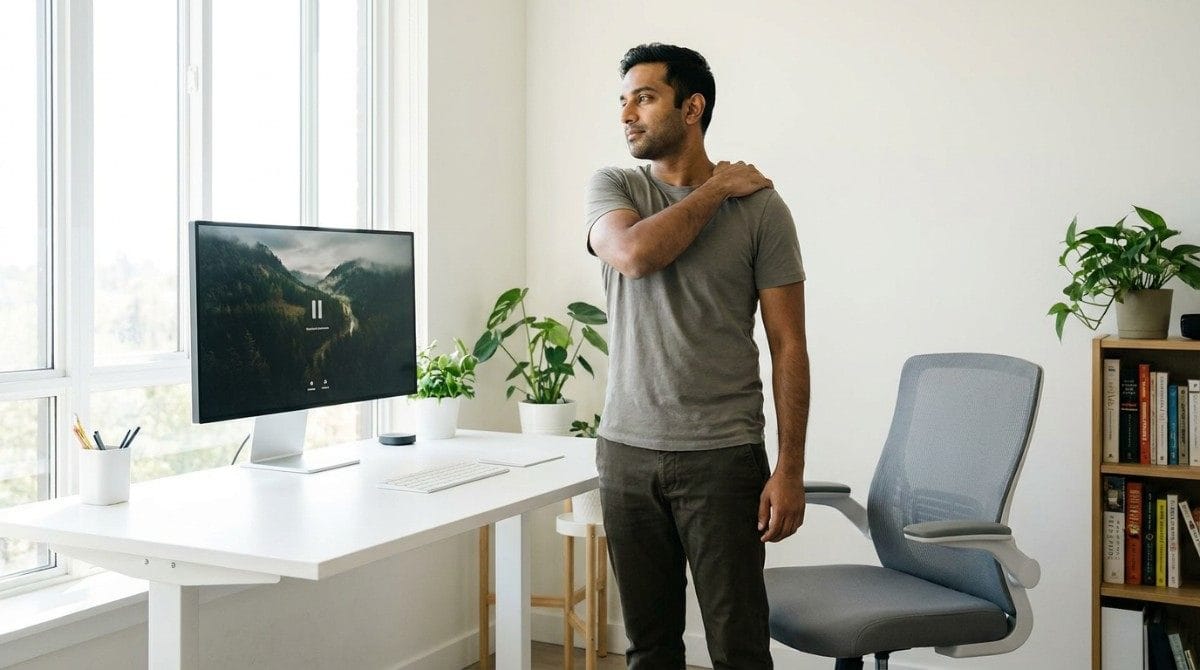
Gamers should leave the gaming station to move at least every 1 to 2 hours, for at least 6 minutes, according to Cleveland Clinic sports medicine specialists. They also suggest 6 to 10 minutes every hour, or 15 to 20 minutes every 2 hours, with stretching.
| Break Type | Timing | What to Do |
|---|---|---|
| Eye break | Every 20 minutes | Look at something 20 feet away for 20 seconds |
| Between matches | Each queue or loading screen | Roll shoulders back, tuck chin, sit tall (general guidance) |
| Movement break | 6 to 10 minutes hourly, or 15 to 20 minutes every 2 hours | Walk, stretch hands, wrists, neck, and back |
| Warm-up | Before long sessions | About 10 minutes of upper and lower body movement |
Wall angels make a good reset between matches. If you wonder why breaks matter so much, how long you can sit before it damages your back explains the research.
Best Gaming Posture Habits (Quick List)
- Set the chair and screen before you queue. Ten minutes now saves hours of strain.
- Break on a rule, not a feeling. Stand up at the top of every hour.
- Keep peripherals close. Reaching is a slow shoulder strain.
- Use the 20-20-20 eye rule. It protects your eyes and interrupts the fixed stare.
- Move on non-gaming time. Cleveland Clinic specialists suggest about 30 minutes of activity, 5 days a week.
- Build your upper back and core. Stronger muscles hold posture longer.
Common mistakes: relying on a gaming chair alone, playing 4 or more hours without a break, setting the screen too low, and gaming from bed.
When This Approach Doesn't Work
A good setup and regular breaks help most gamers, but not everyone:
- Numbness, tingling, or weakness in your hands needs a clinician. UPMC lists gamer's thumb and carpal tunnel among common esports injuries.
- Pain that wakes you at night, or keeps getting worse, needs assessment.
- A perfect chair will not protect you if you never stand up.
- If you game in bed or on the floor, fix the setup first. No exercise offsets that.
Research & Expert Insight
UPMC names poor posture, overuse, and low conditioning as top causes of esports injuries. Cleveland Clinic specialists link neck and back pain to repetitive strain and suggest sit-stand desks to avoid long static postures. They also warn that many gamers think they need 4 or more hours a day, which can lead to overtraining. Physiotherapists often recommend frequent position changes over any single position held for hours.
Step-by-Step Gaming Posture Setup Framework
This takes about 10 minutes.
- Set the chair. Hips back, feet flat, lumbar support in your lower-back curve.
- Raise the screen. Eye level or slightly below, 20 to 30 inches away.
- Bring peripherals close. Elbows 90 degrees or more, wrists straight.
- Set two timers. One for 20 minutes (eyes) and one for 60 minutes (stand and move).
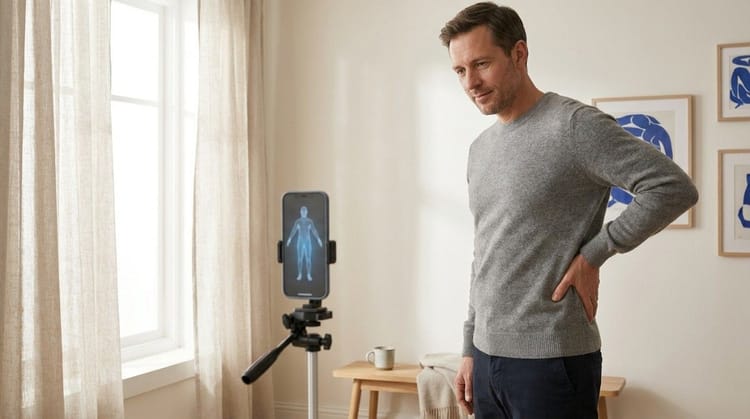
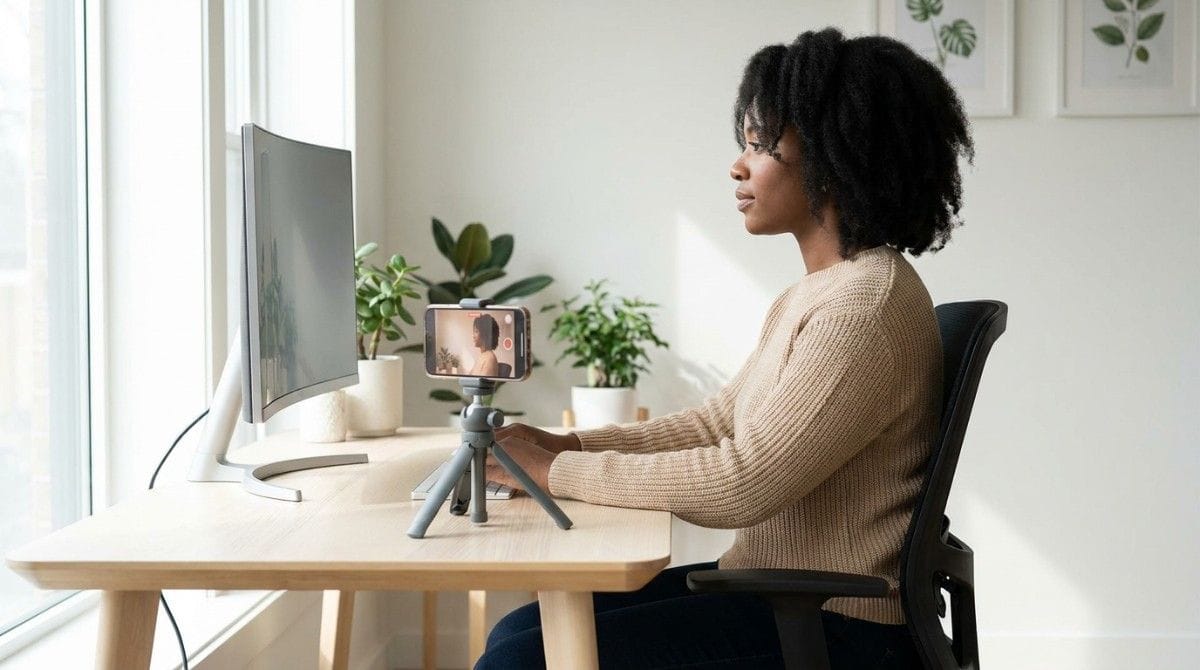
- Check your side profile. Take a photo and look for ears over shoulders.
- Add weekly movement. About 30 minutes, 5 days a week, away from the screen.
Final Takeaway
Gaming does not have to hurt. Set your chair and screen so they hold you in a neutral position, keep your hands close, and leave the screen to move at least every 1 to 2 hours. A good setup plus regular breaks beats any single piece of gear.
A good setup holds you in position, but it does not teach your body to stay there. When a match gets tense, your head still drifts and your shoulders still round.
Why Most Exercise Plans Fail
- Inconsistency. Without tracking, most people quietly stop after a week or two.
- Wrong form. Posture exercises done poorly can reinforce the pattern they are meant to fix.
- No progression. The same routine forever stops challenging the muscles that need to adapt.
- No personalization. A generic plan treats every body the same way.
Backed AI scans your posture through your phone camera, flags patterns like forward head posture, rounded shoulders, and anterior pelvic tilt, and builds a routine around what it finds instead of a generic list. For gamers, that means three things:
- Personalized to your actual scan, not a one-size-fits-all stretch list.
- Progress tracking that adapts as your posture improves, so you can see what your setup changes did.
- Built-in consistency, with reminders that fit around your sessions.
If your setup is dialed in and your neck or back still complains after a long session, that is the gap Backed AI is built to close. Download Backed AI and start correcting your posture today.
FAQ
What is good posture for gaming? Sit with your hips back, feet flat, and thighs and lower legs near 90 degrees, with lumbar support in your lower-back curve. Keep ears over shoulders, the screen at eye level, and elbows at 90 degrees or more with straight wrists.
How often should gamers take breaks? Cleveland Clinic sports medicine specialists suggest leaving your gaming station to move at least every 1 to 2 hours for at least 6 minutes. They also suggest 6 to 10 minutes every hour, or 15 to 20 minutes every 2 hours.
Do gaming chairs fix bad posture? Only if they are adjusted to you and support your lower back. UPMC says an ergonomic gaming or office chair can work. No chair replaces regular movement breaks, because the pain comes from holding one position too long.
How far should a monitor be from your face when gaming? About 20 to 30 inches, according to Cleveland Clinic specialists, with the screen at eye level. UPMC suggests roughly 2 feet. For a very large monitor or TV, aim the middle of the screen at eye level.
Why does my neck hurt after gaming? Usually because your head drifts toward the screen during intense moments and stays there for hours. A screen at eye level, a supportive chair, and regular breaks usually help. If pain or tingling persists, see a clinician.