Do Gaming Chairs Actually Help Your Posture? (vs Ergonomic Chairs)
Quick Answer: Sometimes, but the "gaming" label is not what helps. A chair supports your posture only if you can adjust the seat height, seat depth, armrests, lumbar support, and backrest tilt to fit your body. Many gaming chairs adjust less than ergonomic office chairs, and fixed lumbar pillows or racing-style bucket seats can push you into poor positions. No chair replaces getting up and moving.
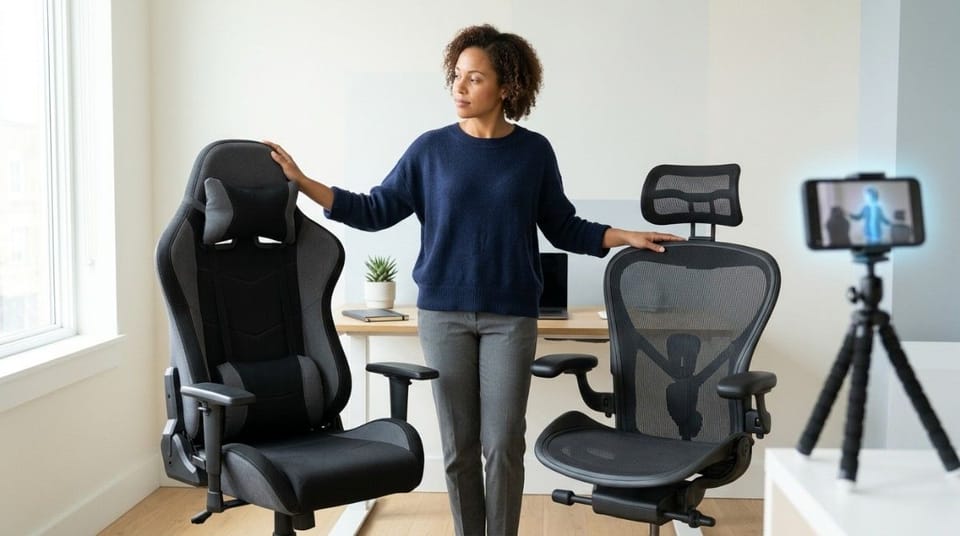
A gaming chair is a racing-style seat marketed to gamers, while an ergonomic chair is a seat designed to adjust to your body, and the difference that matters for posture is adjustability, not branding.
Part of our gaming posture guide.
TL;DR
- Adjustability decides whether a chair helps your posture, not the category. 🎮
- Many racing-style seats have fixed backrests and lumbar pillows, which limits fit.
- Racing-style bucket seats and side bolsters can force the spine into unnatural positions.
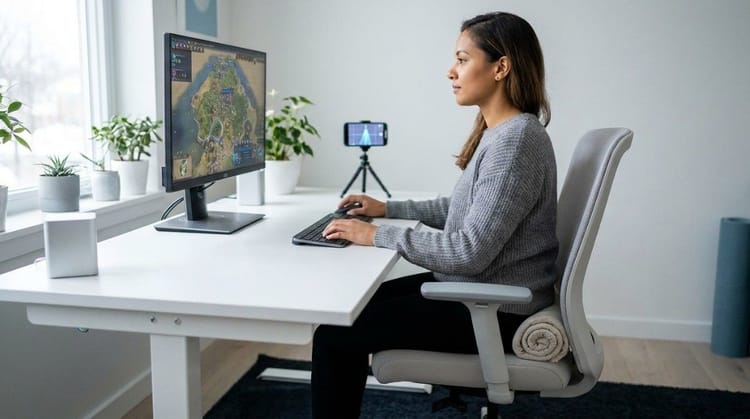
- A good chair lets you set feet flat, knees and elbows near 90 degrees, and lower-back support.
- Some match good office chairs, so check the adjustments, not the label.
- Even the best chair does not replace moving at least every 1 to 2 hours.
What Do Experts Say About Gaming Chairs and Posture?
Clinicians and ergonomists quoted by PC Gamer agree on one point: adjustability matters more than style. Some have a commercial link to chairs, which the table notes.
| Expert | Role | Key Point |
|---|---|---|
| Dr. John Gallucci Jr. | CEO, JAG Physical Therapy | Look for adjustable seat height, seat depth, armrests, lumbar support, and tilt. Rigid bucket seats can force unnatural positions |
| Jonathan Puleio | Board-certified ergonomist, Humanscale (makes office chairs) | Backrests and seat pans on these chairs are typically attached and non-adjustable |
| Kevin Butler | Steelcase Certified Professional Ergonomist | Exaggerated racing shapes often do not match how people actually sit |
| Dr. Jordan Tsai | Esports physical therapist, advisor to a chair maker | The degree of adjustment matters, not just whether a feature exists |
These are expert opinions, not head-to-head trials, so treat any chair ranking with caution.
How Do Gaming Chairs and Ergonomic Chairs Compare?
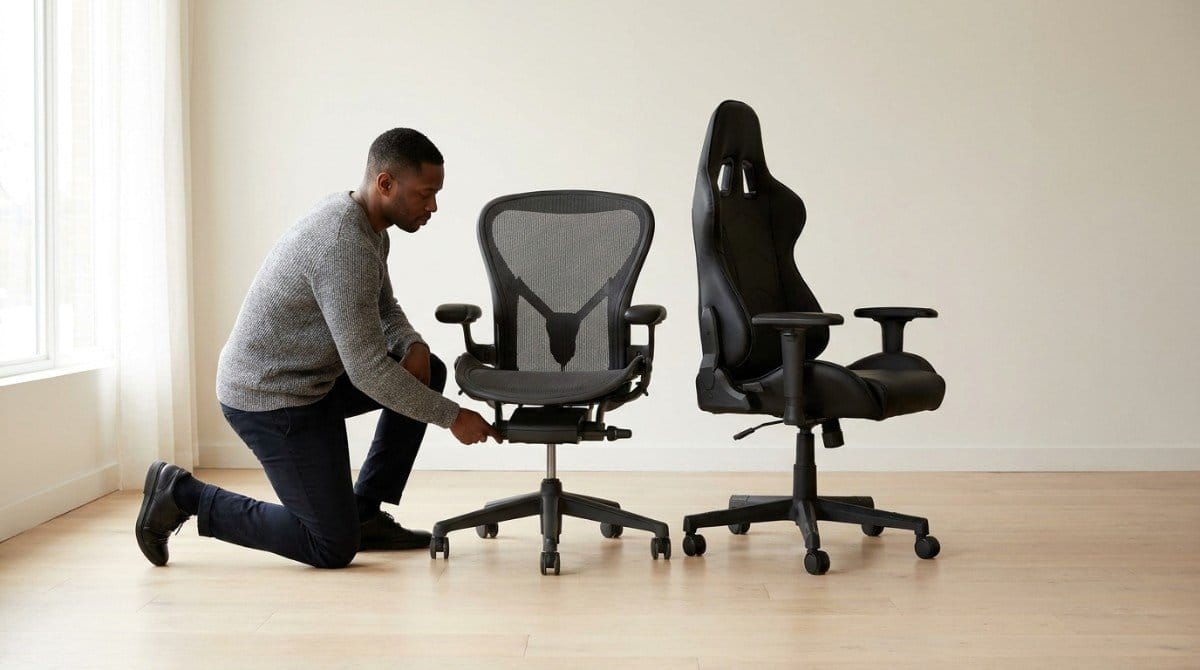
Individual chairs vary, and some racing-style models match good office chairs. These are typical differences reported by reviewers and ergonomists.
| Feature | Typical Gaming Chair | Typical Ergonomic Chair | Why It Matters |
|---|---|---|---|
| Lumbar support | Often a fixed or strap-on pillow | Often adjustable | Spines differ in shape, so a fixed pillow can push your lower back too far forward |
| Backrest and seat | Often attached, with a back lock and tension knob | Often independently adjustable | Fit changes with your height and legs |
| Seat shape | Some have a raised front lip | Often a 90-degree "waterfall" edge | A raised lip tilts your legs, which is poor for long sitting |
| Headrest | Often a pillow or "wings" | Varies | A headrest helps only if it supports your head without pushing it forward |
Creative Bloq's reviewer reaches the same conclusion: office chairs are more likely to offer the lumbar support and adjustability needed to be truly ergonomic, based on testing experience.
What Makes Any Chair Good for Your Posture?
Use this checklist on every chair, whatever it is called.
| Adjustment | Target | Basis |
|---|---|---|
| Seat height | Legs near 90 degrees, feet flat on the floor | UPMC |
| Seat depth | Your back reaches the backrest, with room behind the knees | Gallucci (adjustability), general guidance (target) |
| Lumbar support | Sits in the curve of your lower back | UPMC, Cleveland Clinic |
| Backrest tilt | Slight recline, about 100 to 110 degrees | University of Florida EHS |
| Armrests | Elbows at 90 degrees or more | Cleveland Clinic |
| Headrest (optional) | Supports your head and keeps your neck straight | UPMC |
The full setup is in the complete ergonomic desk setup guide and the best sitting position for lower back pain.
Can a Gaming Chair Make Your Posture Worse?
Yes, if it fits badly. Three features are the usual problem:
- Fixed lumbar pillows. Gallucci notes they can push the lower back too far forward.
- Bucket seats and rigid side bolsters. He says overbuilt racing shapes can force the spine into unnatural positions.
- Very soft seats. Tsai says soft does not automatically mean comfortable, because very soft seats make trunk muscles work harder.
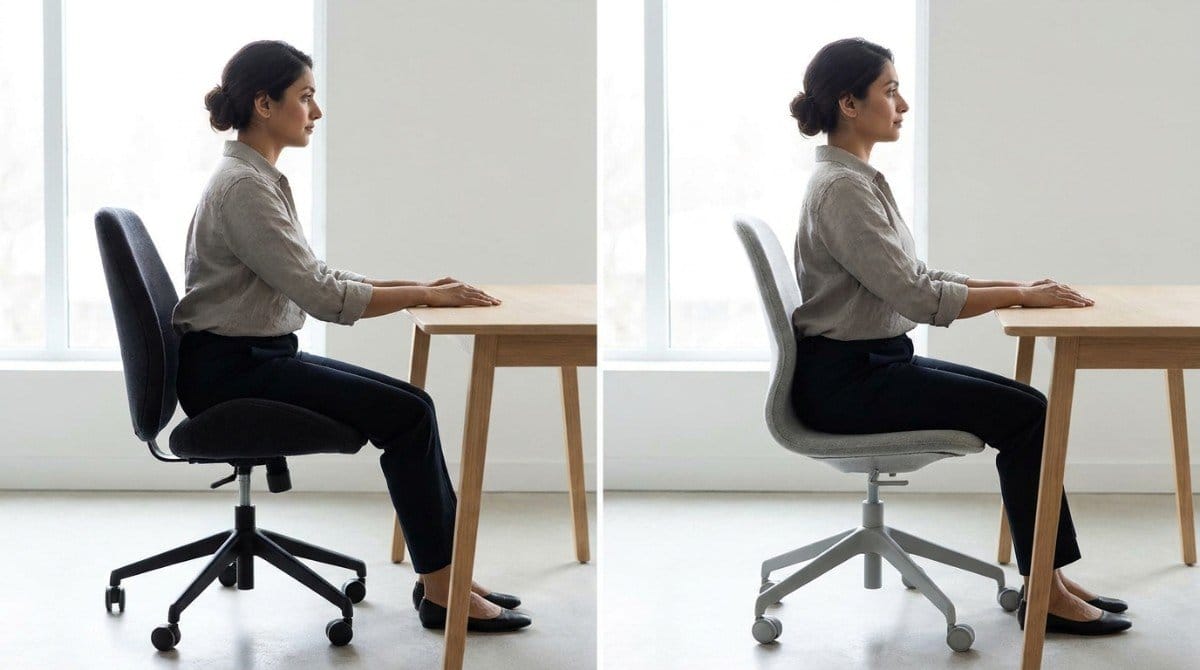
💡 Key Insight: A chair is a tool, not a fix. If it stops you from moving, or forces your head forward, it works against you.
Headrest pillows also do not fix a screen that is too low. For neck strain, see gamer neck: causes, symptoms, and how to fix it.
How Do You Know If Your Chair Is Helping?
Run this 2-minute test:
- Sit all the way back and check that your feet are flat and knees are near 90 degrees.
- Find your lower-back curve and check that the lumbar support sits there.
- Set the armrests so your elbows are near 90 degrees and your shoulders are relaxed.
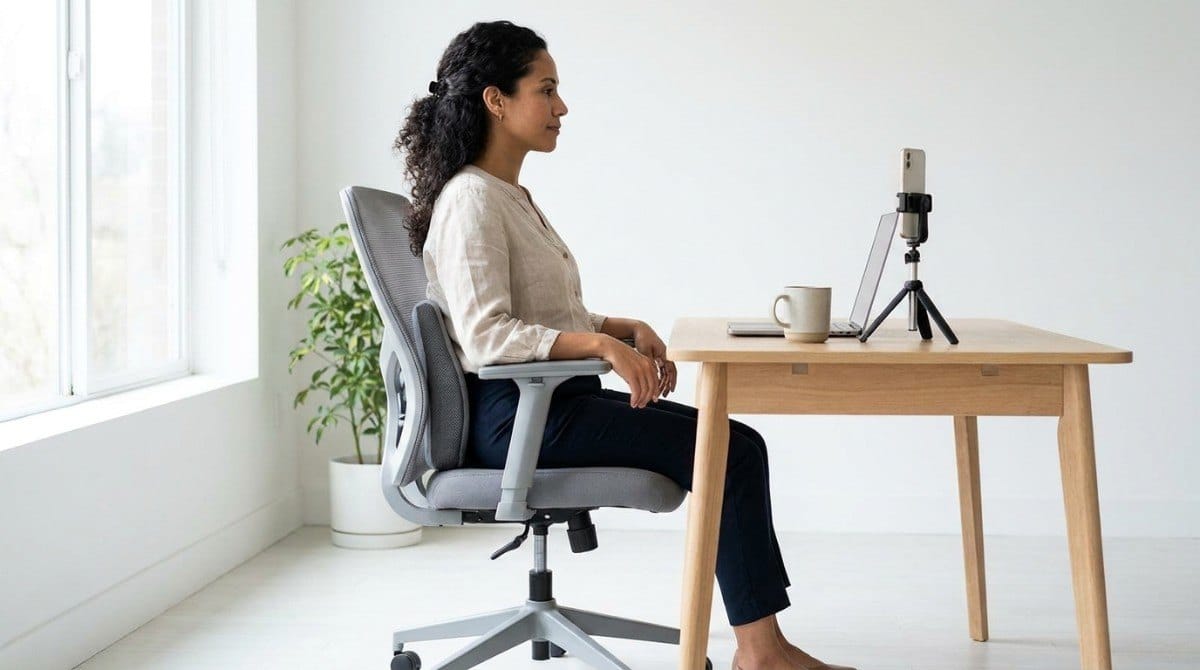
- Take a side-profile photo after 20 minutes of play.
- Check your ear over your shoulder. If your head has drifted forward, adjust the screen or seat.
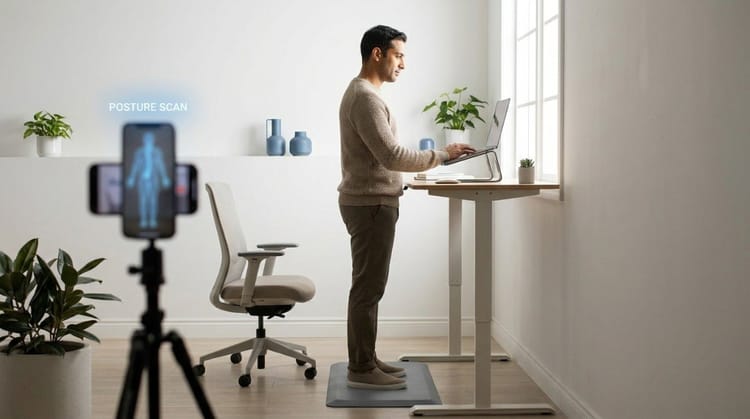
A side-profile scan in Backed AI shows whether your body is actually using the support your chair provides, so you adjust using what the camera sees instead of guessing.
- Adjust before you buy extras. Set height, depth, and armrests first.
- Swap a fixed lumbar pillow if it pushes your lower back forward.
- Keep your feet flat, with a footrest if needed.
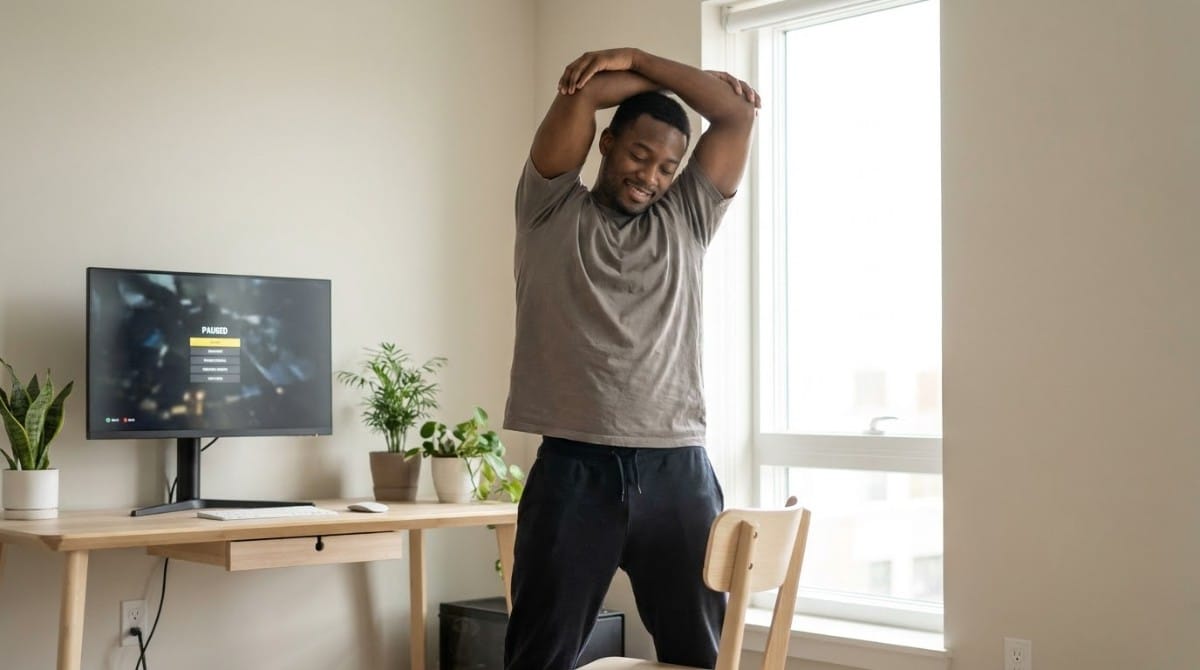
- Change position often. Tsai advises movement over holding one posture.
- Leave the chair at least every 1 to 2 hours, per Cleveland Clinic specialists.
- Re-check your posture after any adjustment. How long you can sit before it damages your back explains why.

When This Approach Doesn't Work
A well-fitted chair does not solve everything:
- A perfect chair will not protect you if you never stand up. Pain comes from holding one position too long.
- Numbness, tingling, or pain that spreads into a leg needs a clinician, not a new chair.
- If a chair has almost no adjustments, a footrest and small cushion help, but they cannot match full adjustability.
- A chair cannot fix a screen that is too low or a mouse that is too far away.
If you are weighing chair types for back pain, office chair vs standing desk vs kneeling chair compares the main options.
Research & Expert Insight
The sources behind this article are expert guidance, not head-to-head trials, so no chair category is proven better. UPMC advises an ergonomic gaming or office chair with lumbar support and adjustable height. PC Gamer's experts focus on adjustability, and Creative Bloq's reviewer finds office chairs generally more adjustable. Physiotherapists often recommend frequent position changes over any single posture held for hours.
Step-by-Step Chair Setup Framework
This takes about 5 minutes.
- Set the height. Feet flat, legs near 90 degrees.
- Set the depth. Back against the backrest, with room behind the knees.
- Position the lumbar support in the curve of your lower back.
- Set the armrests. Elbows near 90 degrees, shoulders relaxed.
- Recline slightly, about 100 to 110 degrees, if the chair allows.
- Check your side profile and adjust until your ear sits over your shoulder.
Once the chair is set, the 12-point desk setup self-assessment audits the rest of your workstation.
Final Takeaway
A racing-style seat helps your posture only when it adjusts to you, and the label does not guarantee that. Check the adjustments, set the chair to your body, and still get up regularly. The best chair is the one that fits and keeps you moving.
A chair gives your body support. It does not make you use it. When a match gets tense, you can still slide forward and leave your lower back unsupported.
Why Most Exercise Plans Fail
- Inconsistency. Without tracking, most people quietly stop after a week or two.
- Wrong form. Posture exercises done poorly can reinforce the pattern they are meant to fix.
- No progression. The same routine forever stops challenging the muscles that need to adapt.
- No personalization. A generic plan treats every body the same way.
Backed AI scans your posture through your phone camera, flags patterns like forward head posture, rounded shoulders, and anterior pelvic tilt, and builds a routine around what it finds instead of a generic list. For gamers, that means three things:
- Personalized to your actual scan, so you see how you sit in your chair, not how the box says you should.
- Progress tracking that adapts as your posture improves, so you can see what your changes did.
- Built-in consistency, with reminders that fit around your sessions.
If your chair is set up well and your back or neck still complains after long sessions, that is the gap Backed AI is built to close. Download Backed AI and start correcting your posture today.
FAQ
Do gaming chairs actually help your posture? Only if they adjust to your body. Seat height, seat depth, armrests, lumbar support, and backrest tilt matter more than the "gaming" label. Many gaming chairs adjust less than ergonomic office chairs, so check the adjustments before you buy.
Are gaming chairs bad for your back? Not automatically. Problems come from poor fit, such as fixed lumbar pillows that push the lower back forward or rigid bucket seats that force the spine into unnatural positions. A well-adjusted chair can work.
Is an ergonomic chair better than a gaming chair? Ergonomic chairs are often more adjustable, which is what helps posture. Some gaming chairs match good office chairs. UPMC says an ergonomic gaming or office chair can work, so judge by the adjustments, not the category.
What should I look for in a chair for long gaming sessions? Look for adjustable seat height, seat depth, armrests, lumbar support, and backrest tilt, plus a seat shape that keeps your feet flat. Then leave the chair to move at least every 1 to 2 hours.
Do I need a lumbar pillow for my chair? Only if it supports your lower-back curve without pushing you forward. A fixed pillow can push the lower back too far forward, so choose one you can reposition, or use a small cushion you can place yourself.