Gamer Neck: Causes, Symptoms, and How to Fix It 🎮
Quick Answer: Gamer neck is neck pain and stiffness caused by holding your head forward and down for long gaming sessions. To fix it, raise your screen to eye level, sit back instead of leaning in, take a movement break about every 20 minutes, and do a short chin tuck and stretch routine. See a clinician if pain spreads into your arm or comes with numbness or weakness.
Gamer neck is the informal name for neck strain that builds when your head drifts forward and down toward the screen during long gaming sessions.
TL;DR
- It is not a formal diagnosis. It is the gaming version of tech neck. 🎮
- A 2019 study of esports athletes found 42% reported neck and back pain.
- The trigger is usually your head leaning toward the screen in tense moments.
- A screen at eye level and sitting back fixes most of the cause.
- A 3-minute chin tuck and stretch routine reduces the strain between matches.
- Arm pain, numbness, or weakness means see a professional.
What Is Gamer Neck?
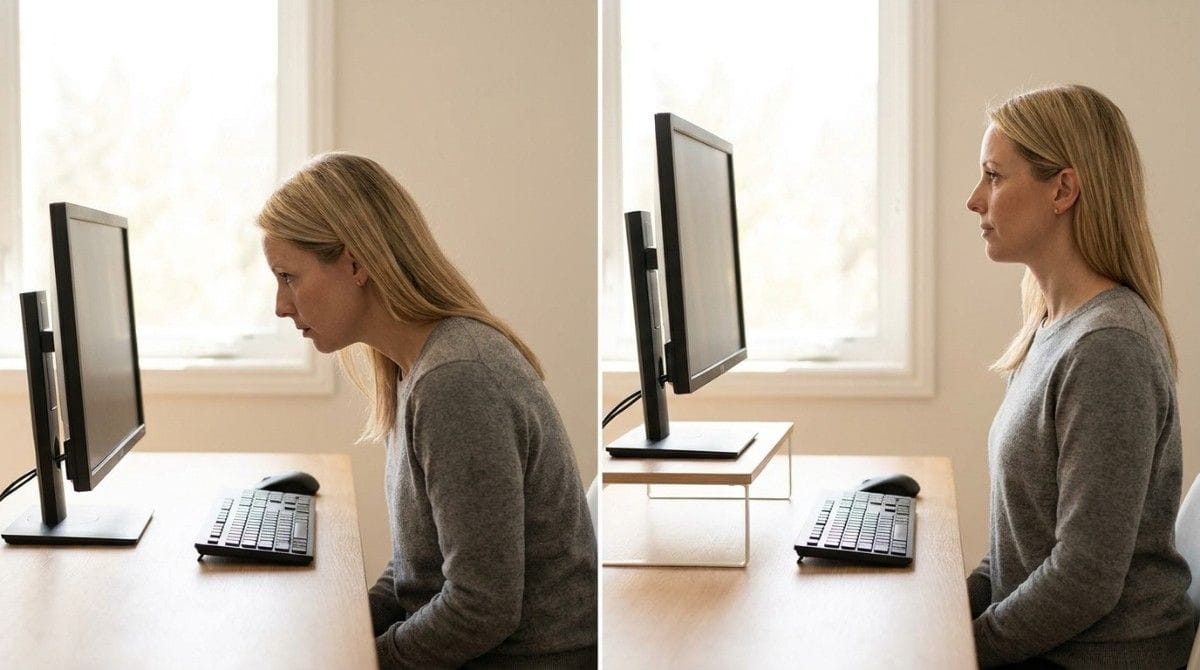
This is not a medical term. Physical therapy guidance describes the same pattern as "tech neck," which Emory Healthcare notes is not a formal diagnosis. Your head sits in front of your shoulders, and your neck muscles work harder to hold it up.
| Quick Facts | Details |
|---|---|
| Medical status | Informal term, not a diagnosis |
| Main cause | Head held forward and down for long periods |
| Common signs | Neck stiffness, shoulder or upper back tightness, headaches |
| Best first fix | Screen at eye level, sit back, move often |
| See a pro if | Arm pain, numbness, weakness, or worsening headaches |
It is the same mechanism covered in tech neck vs forward head posture, applied to a very specific habit: leaning in when the game gets intense.
How Common Is Neck Pain in Gamers?
Neck and back pain is common in competitive gamers. A 2019 study in the Journal of the American Osteopathic Association, co-authored by sports medicine physician Hallie Zwibel, found the following among esports athletes, as reported by News-Medical and Optometry Today.
| Finding | Share of Esports Athletes |
|---|---|
| Reported neck and back pain | 42% |
| Reported eye fatigue | 56% |
| Reported wrist pain | 36% |
| Reported hand pain | 32% |
| Got no physical activity on a given day | 40% |
Only 2% of those with a problem sought medical treatment. Competitive players are not casual gamers, but the pattern is a useful warning.
What Causes Gamer Neck?
It comes from small, repeated habits, not one bad session. The usual triggers:
| Gaming Trigger | What Your Neck Does | Fix |
|---|---|---|
| Intense moments | Head pushes toward the screen | Sit back. Enlarge the UI if small text pulls you in |
| Screen set too low | Chin drops toward chest | Raise the screen to eye level |
| Handheld or phone play | Neck bends down for long stretches | Prop the device up toward eye level |
| Long sessions with no movement | Neck muscles tire and the head sags forward | Move about every 20 minutes |
The screen fix is covered in monitor height and distance for neck and eye strain. The full setup lives in the gaming posture guide.
💡 Key Insight: You do not lean in on purpose. You lean in because the game pulls your attention forward. Fix the cause (screen height and distance), not just the symptom.
How Do You Know If You Have Gamer Neck?
Run this 30-second check:
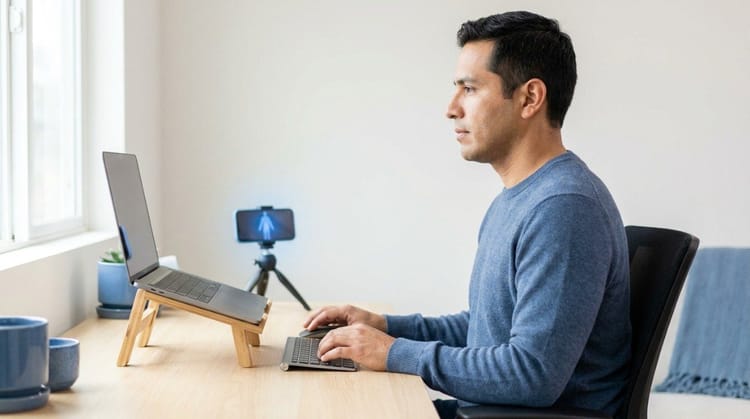
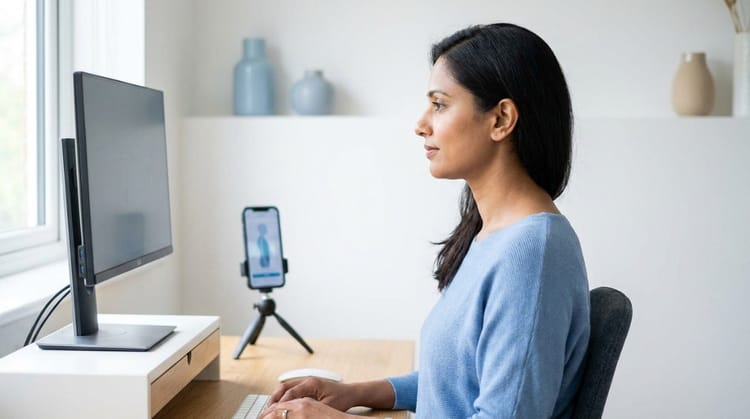
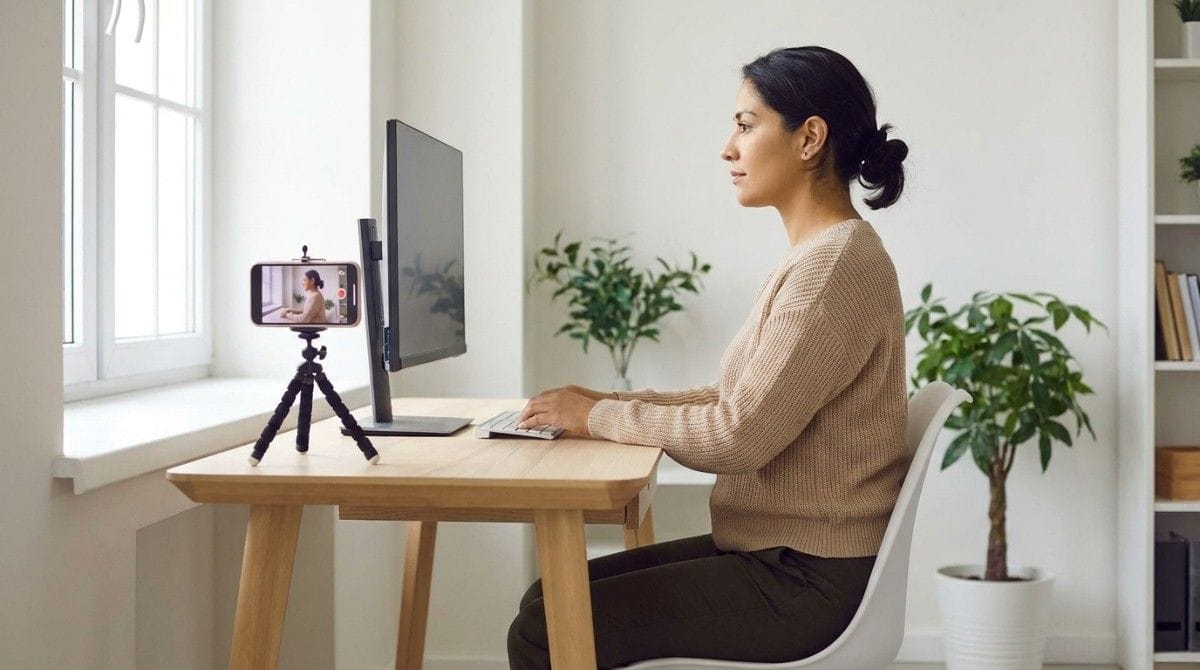
- Take a side-profile photo while you play, or prop your phone on a tripod.
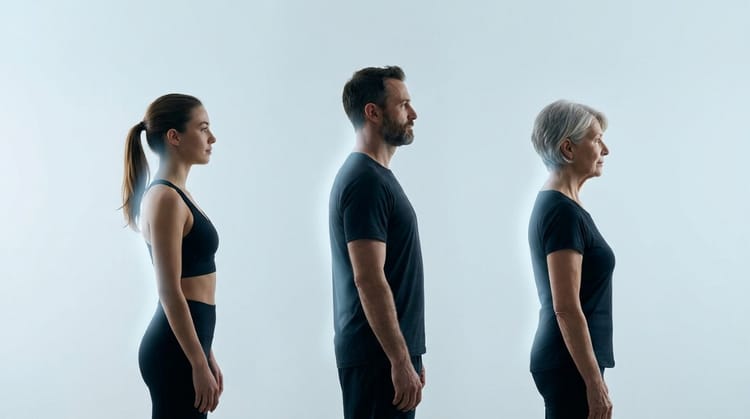
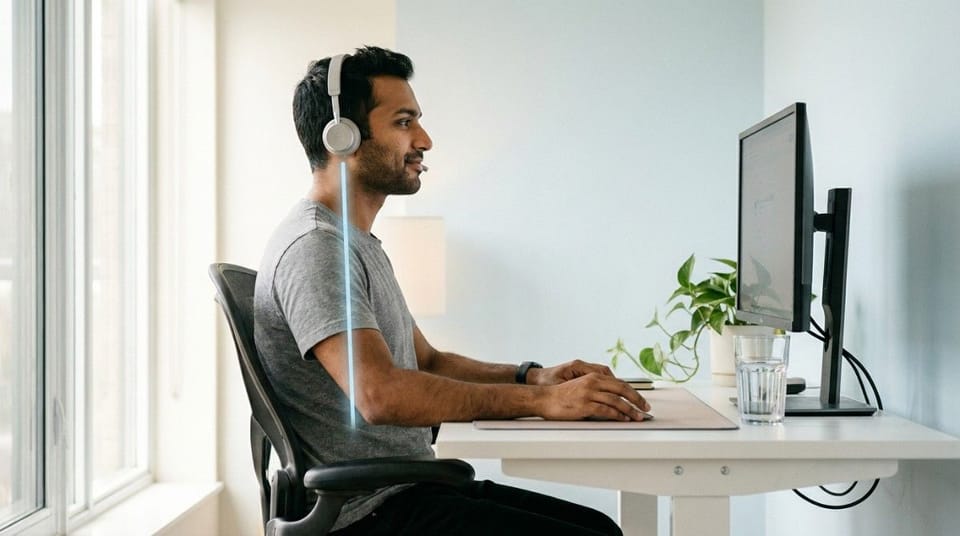
- Look at your ear and shoulder. Your ear should sit over your shoulder, not in front of it.
- Notice clutch moments. Do you lean toward the screen when it gets tense?
- Check how you feel afterward. Neck stiffness, shoulder or upper back tightness, jaw tightness, or headaches are common signs.
Backed AI's camera scan can flag forward head posture automatically, so you do not have to judge your own photo. For what a neutral neck looks like, see what is good neck posture. If headaches are part of the picture, can bad posture cause headaches explains the neck-tension link.
How Do You Fix Gamer Neck?
Fix the setup first, then add a short routine. Physical therapy guidance recommends these moves, with the doses below taken from the Physitrack tech neck guide.
| Move | How | Dose |
|---|---|---|
| Chin tuck | Sit tall and glide your chin straight back | 8 to 10 reps, hold 3 to 10 seconds |
| Upper trapezius stretch | Ear toward shoulder, shoulder stays down | 15 to 30 seconds per side |
| Levator scapulae stretch | Turn head about 45 degrees, look down toward the armpit | 15 to 30 seconds per side |
| Scapular squeeze | Draw shoulder blades together and slightly down | 5 to 10 reps, hold about 5 seconds |
This takes about 3 minutes, which fits a queue or loading screen. Reduce the range if anything causes sharp pain, tingling, or numbness. For a longer plan, see forward head posture exercises and the 7-step daily neck posture routine.
Best Neck Habits for Gamers (Quick List)
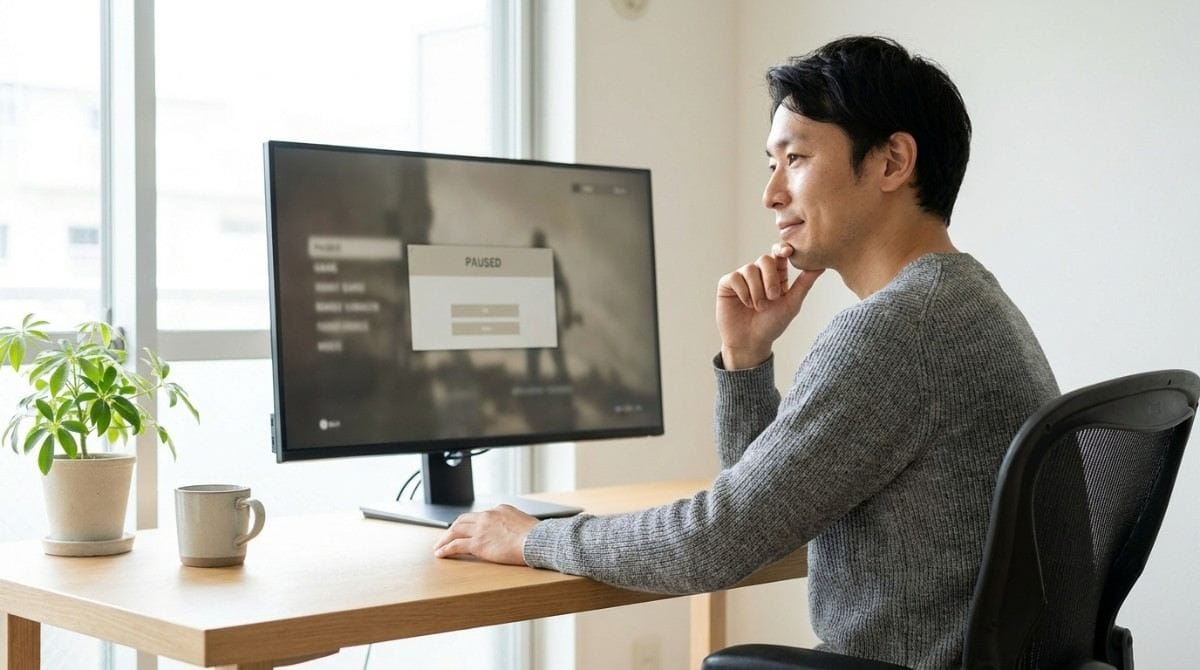
- Set the screen at eye level before you queue.
- Sit back and let the chair hold you.
- Move about every 20 minutes, as Emory Healthcare advises for screen work.
- Keep the mouse and controller close so your shoulders do not pull your head forward.
- Do the 3-minute reset between matches.
- Stay active away from the screen. Cleveland Clinic specialists suggest about 30 minutes, 5 days a week.
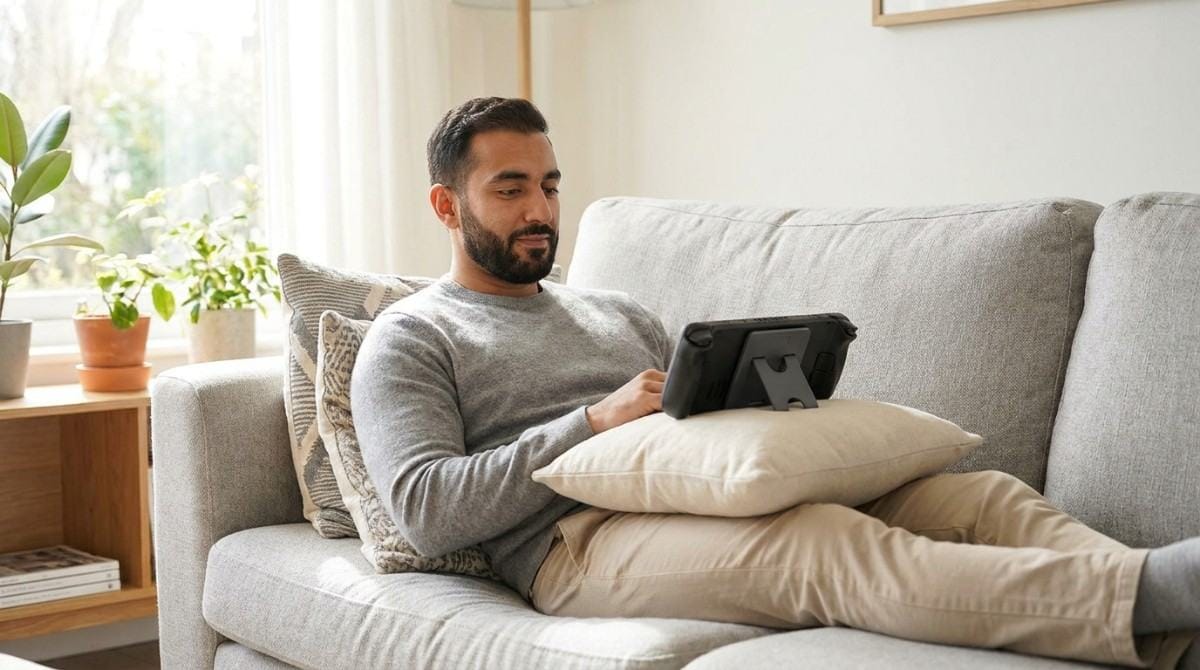
Common mistakes: resting a tablet or handheld in your lap, gaming on a low laptop screen, and skipping breaks because "one more match" feels harmless.
When This Approach Doesn't Work
Self-care suits mild stiffness that eases with movement and shorter sessions. Book an evaluation with a physical therapist or doctor if you have:
- Pain traveling into an arm, or numbness, tingling, or weakness.
- Headaches that worsen or do not improve with consistent exercise.
- A significant loss of neck motion.
- Balance problems.
Seek urgent care for sudden or severe weakness, a severe and unfamiliar headache, or symptoms after a major injury.
Research & Expert Insight
The 2019 Journal of the American Osteopathic Association findings show how common neck and back pain is among competitive gamers, though I could not open the paper itself and the coverage does not state the sample size. Physical therapy guidance describes the mechanism: a head held forward makes neck and upper trapezius muscles work harder. Physiotherapists often recommend changing position frequently over holding any single posture.
Step-by-Step Gamer Neck Recovery Framework
- Photograph your side profile mid-game and note where your ear sits.
- Raise the screen to eye level, about 20 to 30 inches away.
- Sit back and bring controls close.
- Do the 3-minute reset once or twice per session.
- Set a movement cue about every 20 minutes.
- Re-check weekly. Take a new photo and compare.
Final Takeaway
This is a habit, not a sentence. Raise the screen, sit back, move often, and add a 3-minute reset between matches. If pain spreads, tingles, or keeps worsening, get it checked.
Fixing your setup removes the cause. It does not retrain the habit of leaning in when a match gets tense.
Why Most Exercise Plans Fail
- Inconsistency. Without tracking, most people quietly stop after a week or two.
- Wrong form. Chin tucks done poorly can reinforce the pattern they are meant to fix.
- No progression. The same routine forever stops challenging the muscles that need to adapt.
- No personalization. A generic plan treats every neck the same way.
Backed AI scans your posture through your phone camera, flags patterns like forward head posture, rounded shoulders, and anterior pelvic tilt, and builds a routine around what it finds instead of a generic list. For gamers, that means three things:
- Personalized to your actual scan, so you know how far your head sits forward.
- Progress tracking that adapts as your neck posture improves, so you can see what your changes did.
- Built-in consistency, with reminders that fit around your sessions.
If your screen is at eye level and your neck still aches after long sessions, that is the gap Backed AI is built to close. Download Backed AI and start correcting your posture today.
FAQ
What is gamer neck? Gamer neck is the informal name for neck pain and stiffness from holding your head forward and down during long gaming sessions. It is not a formal diagnosis. It is the gaming version of tech neck.
How do you fix gamer neck? Raise your screen to eye level, sit back instead of leaning in, and move about every 20 minutes. Add chin tucks and neck stretches between matches. See a clinician if pain spreads into your arm or you have numbness or weakness.
Is gamer neck the same as tech neck? They describe the same mechanism: a head held forward and down strains the neck and upper back. Gamer neck is the version tied to gaming habits, such as leaning in during intense moments. Neither is a formal medical diagnosis.
How often should gamers stretch their neck? Emory Healthcare advises a movement break about every 20 minutes for screen work. Hold neck stretches 15 to 30 seconds per side. Cleveland Clinic specialists also suggest leaving the gaming station to move at least every 1 to 2 hours.
When should I see a doctor about neck pain from gaming? See a doctor or physical therapist if pain travels into an arm, you feel numbness, tingling, or weakness, headaches worsen, or you lose neck motion. Seek urgent care for sudden severe weakness or a severe, unfamiliar headache.